









- Automotive
- Sanding - Polishing
- One sided adhesive tapes
- Packing tapes
- Coloured - marking tapes
- Electrical tapes
- Office tapes, adhesive tapes
- Slick surface tapes
- Metal adhesive tapes
- Masking crepe tape
- Masking special tapes
- Surface protection tapes
- Foam - sealing tapes
- Anti-slip tapes
- Self-adhesive rubber cut-outs
- Special tapes
- Textile tapes
- Warning and reflective tapes
- Double-sided adhesive tapes
- Electrical insulation material
- Glues
- Materials for the production of technical labels
- Flexible stoppers, bumpers
- Velcro straps
- Primers - activators - cleaners
- Accessories for adhesives, applicators
 Monitors
 Laptops
 Desktop and gaming computers
- Accessories
- Backpacks and laptop bags
- Electronic gadgets
- Ergonomic accessories
- External drives
- Gamepads
- Gaming tables
- Gaming chairs
- Microphones
- Internal drives
- Cables
- Office chairs
- Keyboards
- Mice
- Power supplies
- Memory cards
- Mouse pads
- Projectors and accessories
- Mobile phone accessories
- Speakers
- Keyboard and mouse sets
- Headphones
- USB Flash discs
- Gaming steering wheels
- Scales
- Webcams
Monitors HP
HP monitors for productive work, home use, and gaming
HP monitors are designed for a wide range of users – from everyday office work and home office setups to more demanding multitasking and gaming.
With its displays, HP places emphasis on high-quality image, comfort during long-term use, and practical connectivity with a computer and other devices. Depending on the specific model, you can choose from various screen sizes, resolutions, panel types, and connectivity options.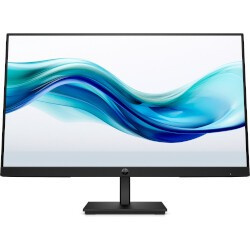
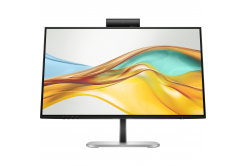
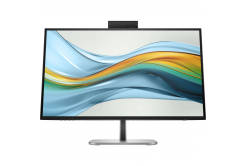
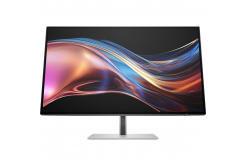
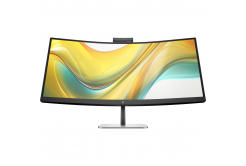
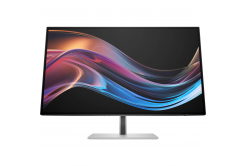
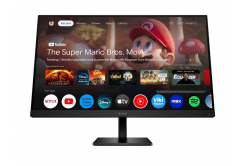
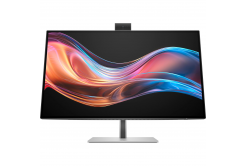
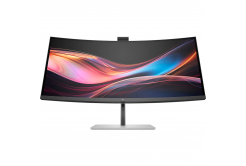
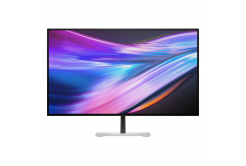
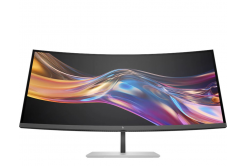
HP Eye Ease and comfort during all-day work
Among the standout technologies in HP business monitors is HP Eye Ease, which reduces the amount of emitted blue light without unwanted color distortion. Selected models also allow adjustment of the screen height, tilt, swivel, and rotation. Using the HP Display Center application, you can also work with display settings and, on supported models, use the ergonomic workspace setup wizard.
USB-C monitor as the center of your workspace
HP also focuses on easy device connectivity in selected business lines.
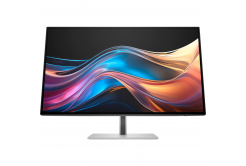
HP USB-C monitors can transmit video, data, and simultaneously power the connected laptop with a single cable. Some models also support daisy-chaining an additional display, making it possible to create a clear multi-monitor setup and reduce the amount of cables on the desk.If you are putting together a complete workstation, you can also complement the monitor with a suitable desktop computer and create a setup that matches your way of working in both performance and features.
What can HP monitors offer?
- Wide range of uses: models for the office, working from home, everyday multimedia use, and powerful gaming setups.
- HP Eye Ease: selected monitors reduce the amount of blue light without significantly affecting color reproduction.
- Modern USB-C connectivity: on selected models, a single cable enables the transmission of video, data, and power to the connected device.
- Smooth visuals: business lines may offer higher refresh rates, and OMEN gaming models are focused on even faster response times and smooth gameplay.
- Ergonomic adjustment: depending on the model, the height, tilt, swivel, or display orientation can be adjusted.
- More responsible design: HP also uses recycled materials in selected monitors and is working to reduce the amount of new plastics.
OMEN for gamers who want speed and smooth visuals
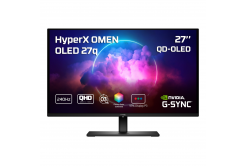
For gaming, HP has a dedicated OMEN lineup. HP OMEN gaming monitors offer, depending on the specific model, high refresh rates, short response times, and Adaptive Sync or AMD FreeSync technologies for smoother display of fast-paced gaming scenes. The lineup includes models with Full HD and QHD resolution and a wide color gamut for more vivid visuals in gaming and multimedia.
HP monitors tailored to your workspace
From more compact Full HD displays to larger QHD monitors with expanded connectivity, HP’s range lets you choose based on desk size, connection method, and image requirements.
HP monitors for the office, working from home, and gaming can therefore form the basis of a simple workstation as well as a more extensive multi-monitor setup.For better display positioning, you can also use monitor stands and mounts. Choose an HP monitor that matches your way of working, entertainment, and connectivity requirements.