









- Automotive
- Sanding - Polishing
- One sided adhesive tapes
- Packing tapes
- Coloured - marking tapes
- Electrical tapes
- Office tapes, adhesive tapes
- Slick surface tapes
- Metal adhesive tapes
- Masking crepe tape
- Masking special tapes
- Surface protection tapes
- Foam - sealing tapes
- Anti-slip tapes
- Self-adhesive rubber cut-outs
- Special tapes
- Textile tapes
- Warning and reflective tapes
- Double-sided adhesive tapes
- Electrical insulation material
- Glues
- Materials for the production of technical labels
- Flexible stoppers, bumpers
- Velcro straps
- Primers - activators - cleaners
- Accessories for adhesives, applicators
 Monitors
 Laptops
 Desktop and gaming computers
- Accessories and Add-ons
- Backpacks and laptop bags
- Electronic gadgets
- Ergonomic accessories
- External drives
- Gamepads
- Gaming tables
- Gaming chairs
- Microphones
- Internal drives
- Cables
- Office chairs
- Keyboards
- Mice
- Power supplies
- Memory cards
- Mouse pads
- Projectors and accessories
- Mobile phone accessories
- Speakers
- Keyboard and mouse sets
- Headphones
- USB Flash discs
- Gaming steering wheels
- Scales
- Webcams
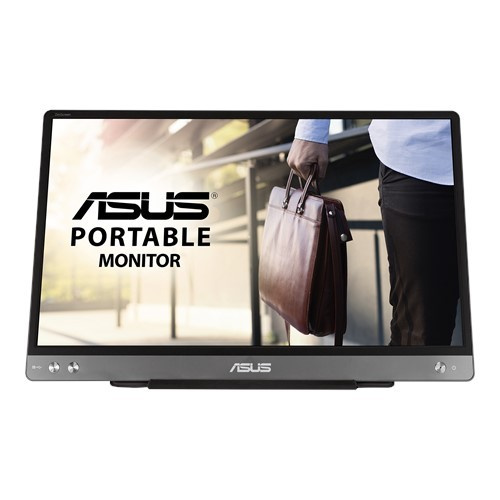
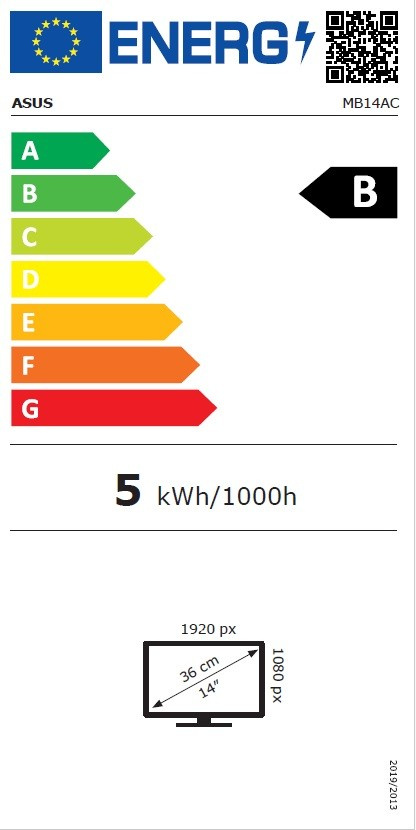
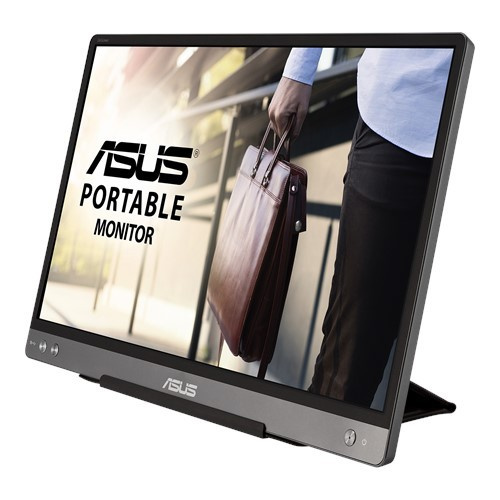
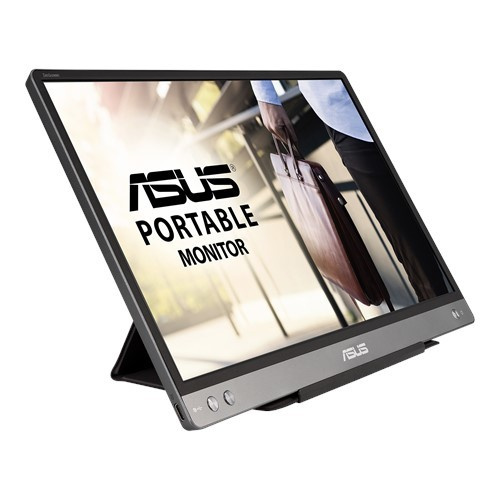
ASUS ZenScreen MB14AC 90LM0631-B01170 Monitor, 14", IPS, FHD, 60Hz, 5ms, Gray, 3R
Parameters
Product description
ASUS ZenScreen MB14AC is a portable monitor designed for professionals who need to expand their workspace anywhere, anytime. With a 14-inch diagonal and Full HD (1920x1080) resolution, this elegant gray display offers an ideal solution for hybrid work, travel, or presentations. Thanks to the ultra-thin design with a thickness of only 11.2 mm and a weight of just 0.59 kg, it easily fits into any bag and becomes an unobtrusive yet powerful assistant. The monitor uses IPS technology, which ensures vivid colors and wide 178° viewing angles in all directions, so the image remains sharp and high-contrast even when viewed from the side.
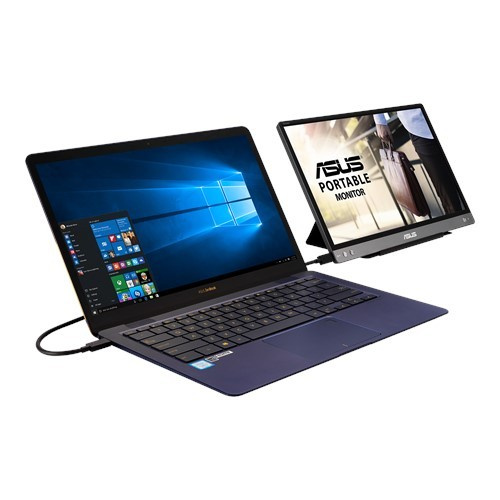
The key advantage of this device is its universal connectivity and ease of connection. The monitor supports hybrid signal transmission via a single USB-C cable, which simultaneously serves for power delivery and video transmission. This means that you only need a single connection to a laptop, tablet, or phone to run the monitor. For older devices with a USB-A port, compatibility is available via the DisplayLink driver, ensuring full support for a wide range of hardware. Automatic orientation detection allows easy switching between landscape mode for spreadsheets and presentations and portrait mode for reading documents, coding, or browsing social media.
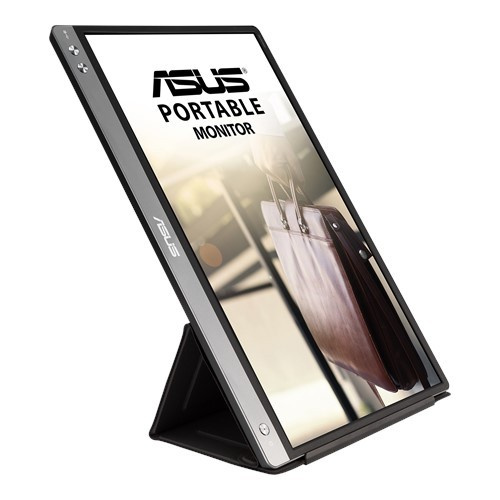
Care for your eyes is a priority. ASUS Flicker-free technology and a TÜV Rheinland-certified blue light filter minimize eye strain during prolonged use. The foldable smart case included in the package protects the display from scratches and dust while also serving as a practical stand that supports the monitor in any position. With a brightness of 250 cd/m2, a response time of 5 ms, and a refresh rate of 60 Hz, this monitor is an ideal addition to a modern work environment.
- Portable 14" IPS display with Full HD resolution (1920x1080)
- Hybrid signal transmission and power delivery via a single USB-C cable
- Automatic screen orientation switching (landscape and portrait)
- Ultra-thin design (11.2 mm) and low weight (0.59 kg)
- Flicker-free and Low Blue Light technologies for comfortable viewing
- Foldable case that also serves as a stand
- Wide viewing angles of 178°/178° and brightness of 250 cd/m2
- 3-year warranty

