









- Automotive
- Sanding - Polishing
- One sided adhesive tapes
- Packing tapes
- Coloured - marking tapes
- Electrical tapes
- Office tapes, adhesive tapes
- Slick surface tapes
- Metal adhesive tapes
- Masking crepe tape
- Masking special tapes
- Surface protection tapes
- Foam - sealing tapes
- Anti-slip tapes
- Self-adhesive rubber cut-outs
- Special tapes
- Textile tapes
- Warning and reflective tapes
- Double-sided adhesive tapes
- Electrical insulation material
- Glues
- Materials for the production of technical labels
- Flexible stoppers, bumpers
- Velcro straps
- Primers - activators - cleaners
- Accessories for adhesives, applicators
 Monitors
 Laptops
 Desktop and gaming computers
- Accessories and Add-ons
- Backpacks and laptop bags
- Electronic gadgets
- Ergonomic accessories
- External drives
- Gamepads
- Gaming tables
- Gaming chairs
- Microphones
- Internal drives
- Cables
- Office chairs
- Keyboards
- Mice
- Power supplies
- Memory cards
- Mouse pads
- Projectors and accessories
- Mobile phone accessories
- Speakers
- Keyboard and mouse sets
- Headphones
- USB Flash discs
- Gaming steering wheels
- Scales
- Webcams
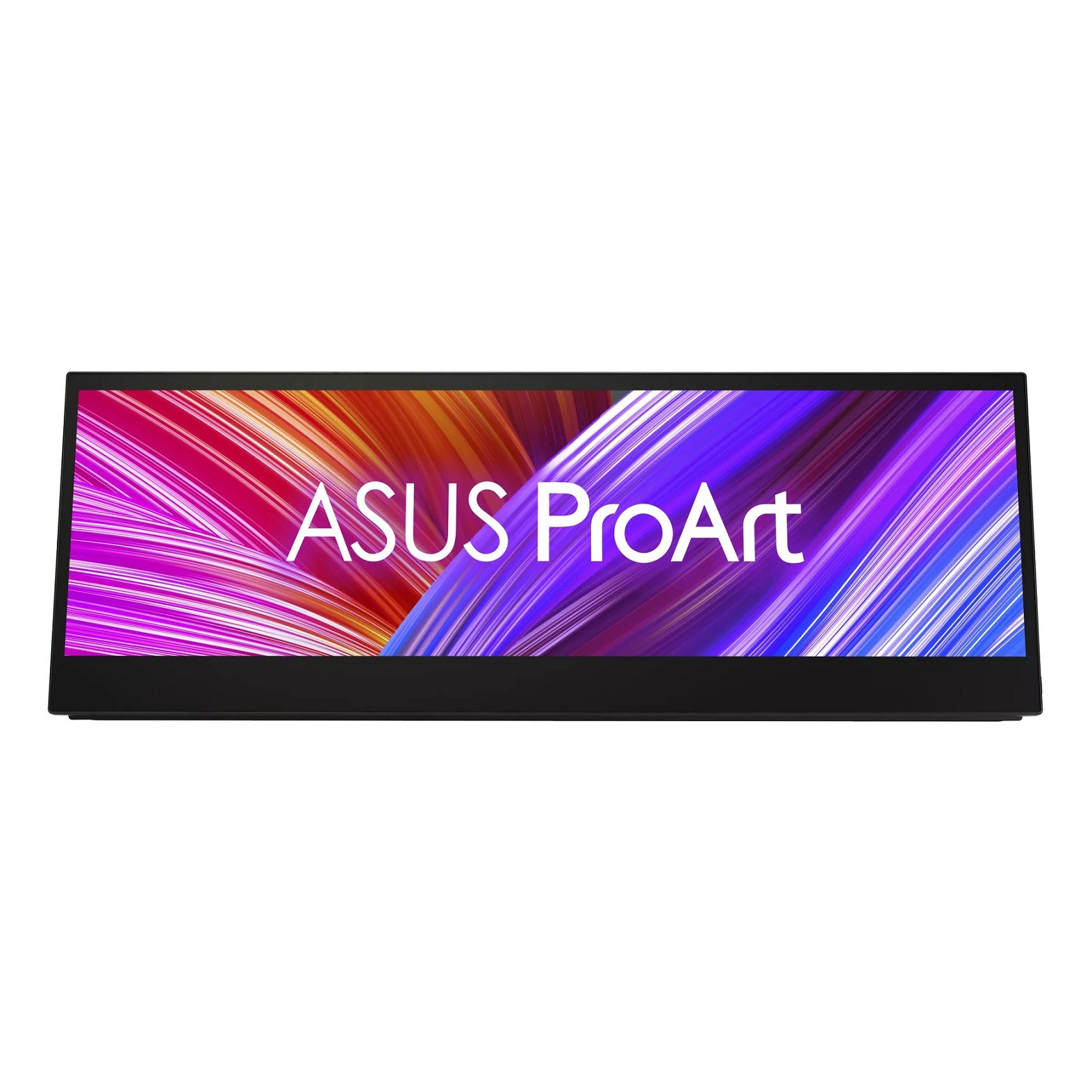
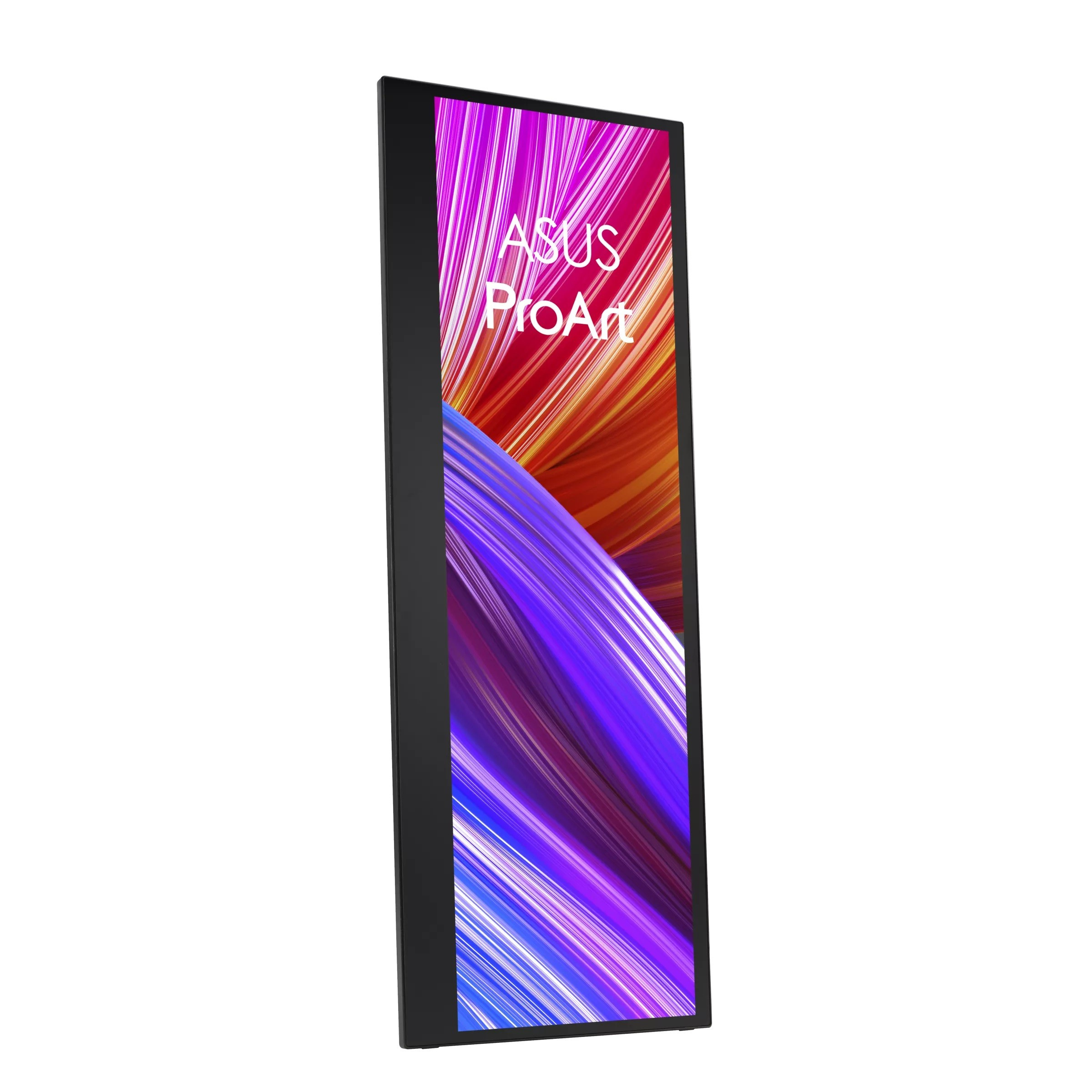
ASUS ProArt PA147CDV 90LM0720-B01170 Monitor, 14", IPS, 1920x550, 60Hz, 5ms, Black, 3R
Parameters
Product description
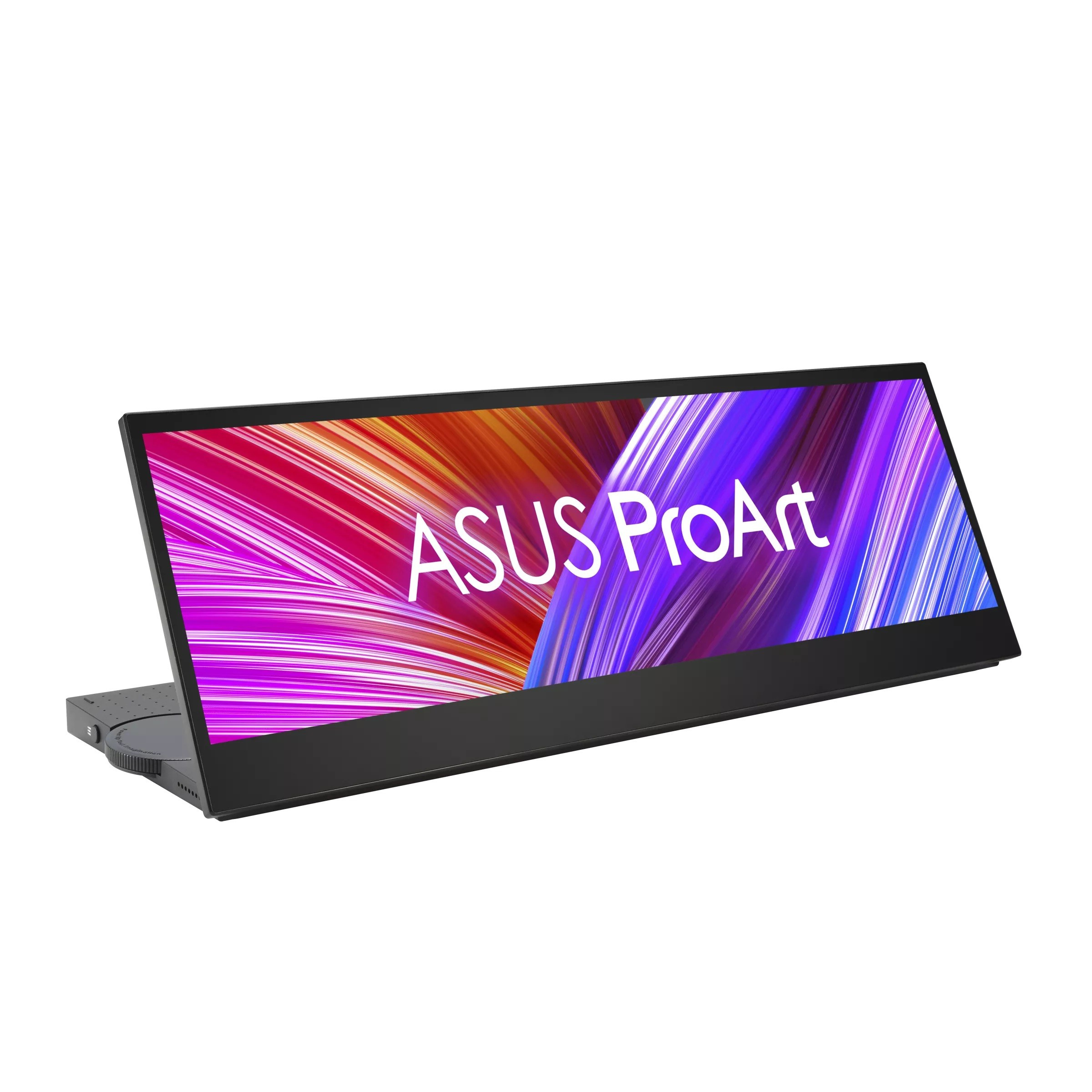
ASUS ProArt PA147CDV is a professional portable monitor designed specifically for creatives, graphic designers, and video editors who require maximum color accuracy and flexibility when working on the go. Thanks to its unique 32:9 panoramic format and 14-inch diagonal, this display offers a significantly wider workspace than standard monitors, allowing you to comfortably work with timelines, multiple application windows, or widescreen projects without the need to switch between windows. IPS technology ensures stable and accurate colors from any viewing angle, which is key for visual content monitoring.
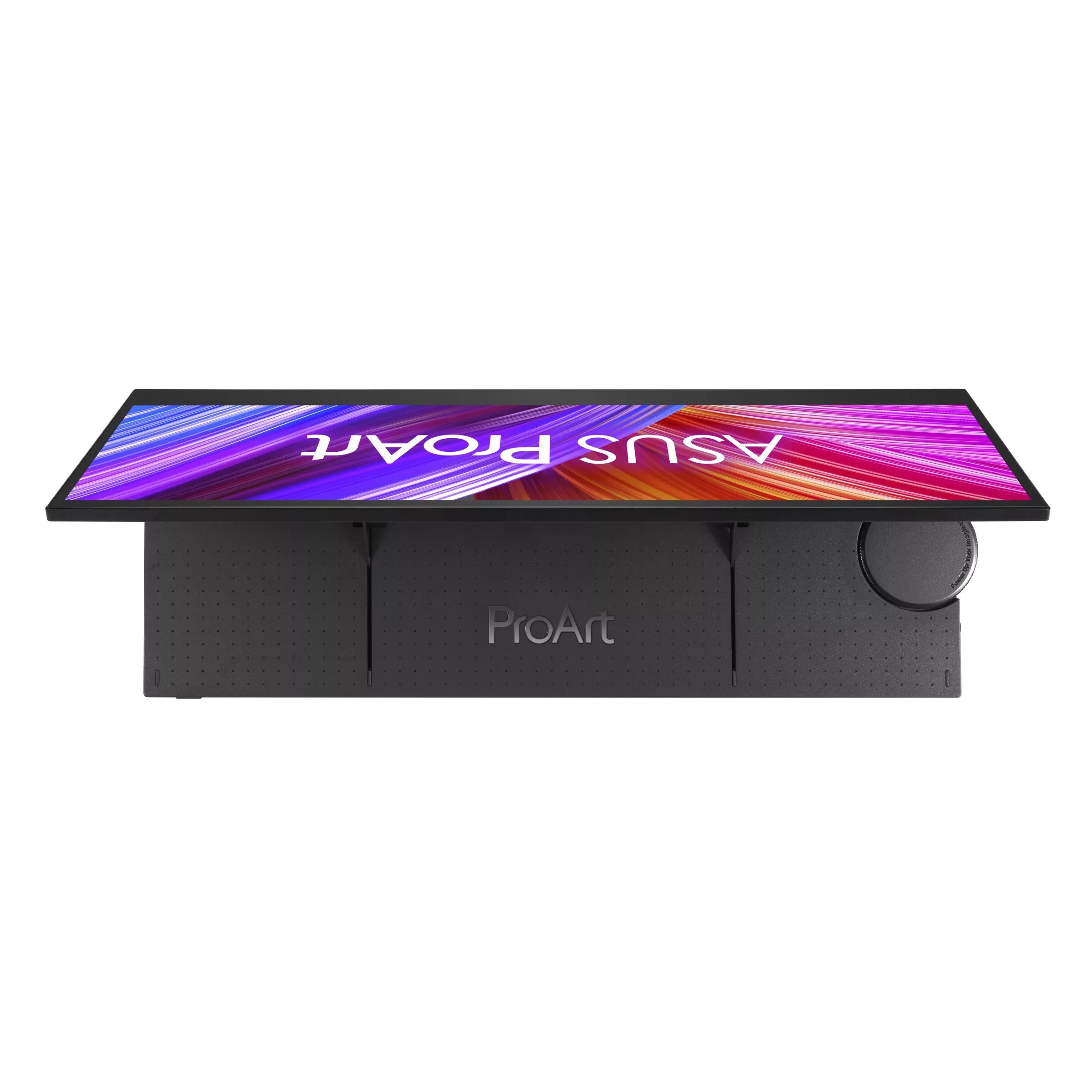
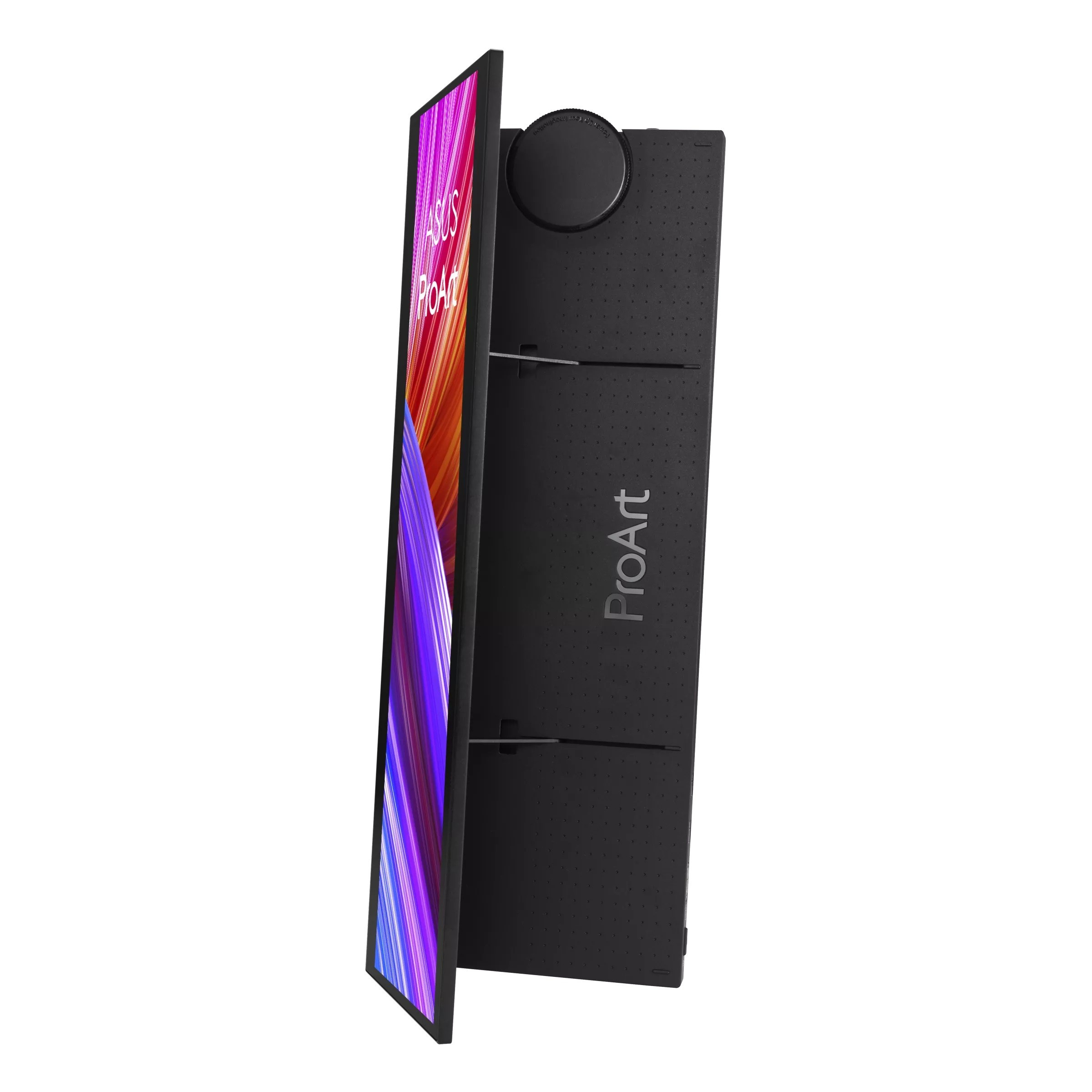
The central element of this device is its ability to serve as a fully-fledged creative tool. The display supports 10-point touch input with MPP 2 certification.0, which enables natural and precise drawing or editing of content directly on the screen. The integrated ASUS Dial provides physical control of parameters in compatible software applications, such as Adobe Photoshop or Premiere Pro, thereby increasing work efficiency. Color accuracy with a Delta E value of less than 2 and 100% coverage of the sRGB and Rec. color spaces.709, verified by Calman certification, ensure that you see exactly what the final viewer or printer will see.
Connectivity and power are handled in a modern way via two USB-C ports with DP Alt Mode support, which enable video, data, and power transmission through a single cable. This makes the PA147CDV an ideal companion for laptops and tablets. The monitor is equipped with built-in speakers with a total output of 2 W, eliminating the need for external speakers during light editing or presentations. The ergonomic stand allows height adjustment and rotation to pivot mode, so you can customize the display position according to your needs. Weighing just 0.95 kg and featuring a slim profile, this monitor is easy to carry and takes up minimal space in your bag.
- Display diagonal: 14 inches with a 32:9 widescreen aspect ratio
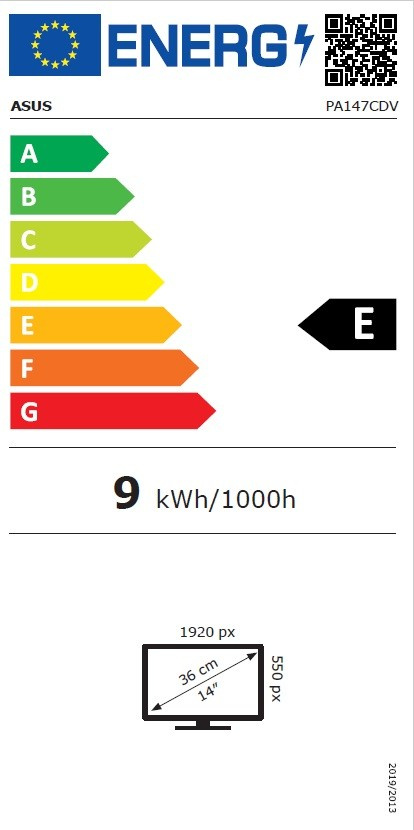
- Resolution: 1920 x 550 pixels with a pixel pitch of 0.179 mm
- Panel type: IPS with 400 cd/m2 brightness and 1200:1 contrast ratio
- Color accuracy: Delta E < 2, 100% sRGB and Rec.709, Calman Verified
- Touch: 10-point touchscreen with MPP 2 support
