









- Automotive
- Sanding - Polishing
- One sided adhesive tapes
- Packing tapes
- Coloured - marking tapes
- Electrical tapes
- Office tapes, adhesive tapes
- Slick surface tapes
- Metal adhesive tapes
- Masking crepe tape
- Masking special tapes
- Surface protection tapes
- Foam - sealing tapes
- Anti-slip tapes
- Self-adhesive rubber cut-outs
- Special tapes
- Textile tapes
- Warning and reflective tapes
- Double-sided adhesive tapes
- Electrical insulation material
- Glues
- Materials for the production of technical labels
- Flexible stoppers, bumpers
- Velcro straps
- Primers - activators - cleaners
- Accessories for adhesives, applicators
 Monitors
 Laptops
 Desktop and gaming computers
- Accessories and Add-ons
- Backpacks and laptop bags
- Electronic gadgets
- Ergonomic accessories
- External drives
- Gamepads
- Gaming tables
- Gaming chairs
- Microphones
- Internal drives
- Cables
- Office chairs
- Keyboards
- Mice
- Power supplies
- Memory cards
- Mouse pads
- Projectors and accessories
- Mobile phone accessories
- Speakers
- Keyboard and mouse sets
- Headphones
- USB Flash discs
- Gaming steering wheels
- Scales
- Webcams
Give yourself and your printer safe printing
It is already well known that it is important to have your computer secured using antivirus programs and firmware. Nowadays, cyberattacks and data theft are a frequent topic not only for large companies, but also for individuals. But what about your printer? Many of us still do not realize that these attacks and thefts by all kinds of fraudsters concern not only data from computers, but also printers. Does it seem unnecessary to you to deal with this? Here are the reasons why you should not take it lightly and tips on how to prevent your data from being leaked.
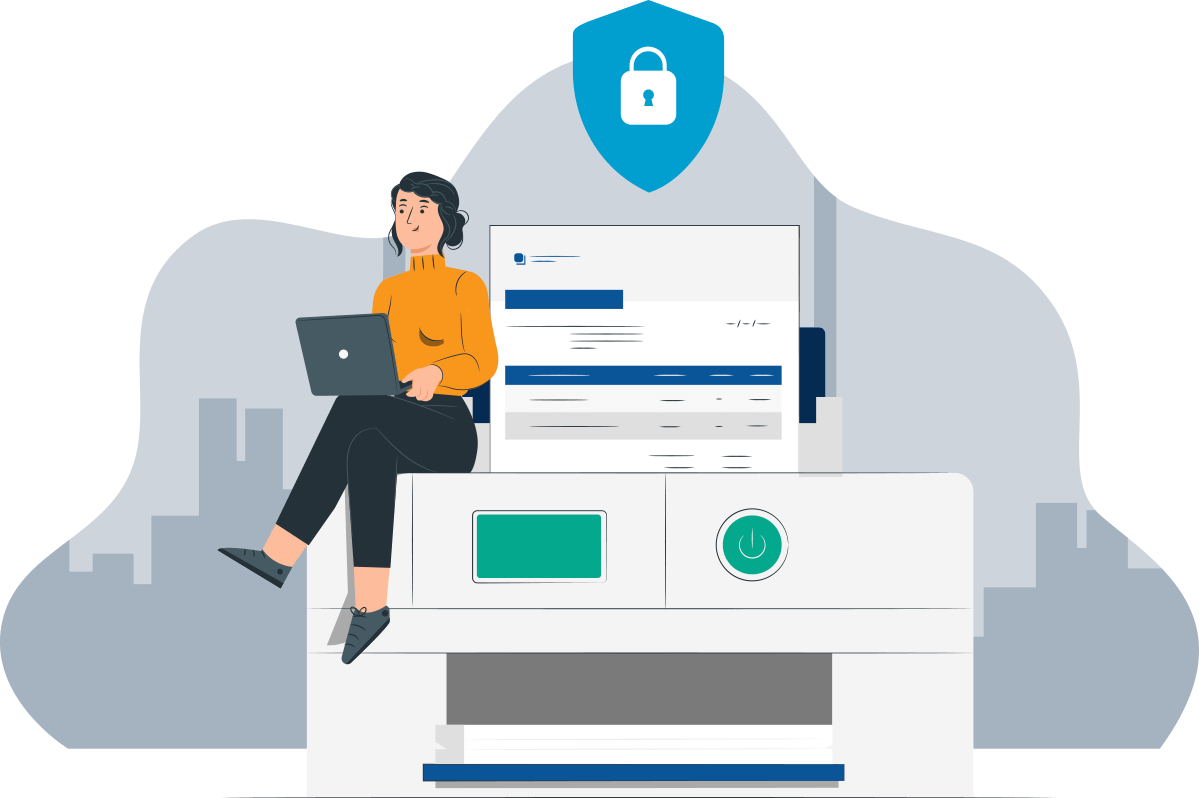
If you have a large company, your data may be of interest, for example, to "clever" hackers, who may then demand a ransom from you if you want to get your data back. Another party who might be interested in your data is your competition or even your own employees. Why the competition in particular? Simple. Either they want to know your business plans, review the contracts with your clients and possibly take them over, or steal your original ideas. Data can be accessed thanks to wireless connections, which many printers already use in today’s modern age, which is why these attacks are becoming increasingly common.
1. Securing the printer against physical theft
So now you know that theft can be committed remotely, but also physically.
How can you prevent those physical ones?
-
Lock the printer away from unauthorized persons - Do you have the option to grant your printer such a privilege and dedicate a separate lockable room to it? This solution can only be effective if the printer is used by a minimum number of employees. If there were more employees and each of them needed to use the printer more often, taking turns with the keys to the room with the printer would not be very convenient for anyone, or too many people would already have the keys and it would lose that effect. Everyone would have the keys, and you could lose track of who is using the printer.
-
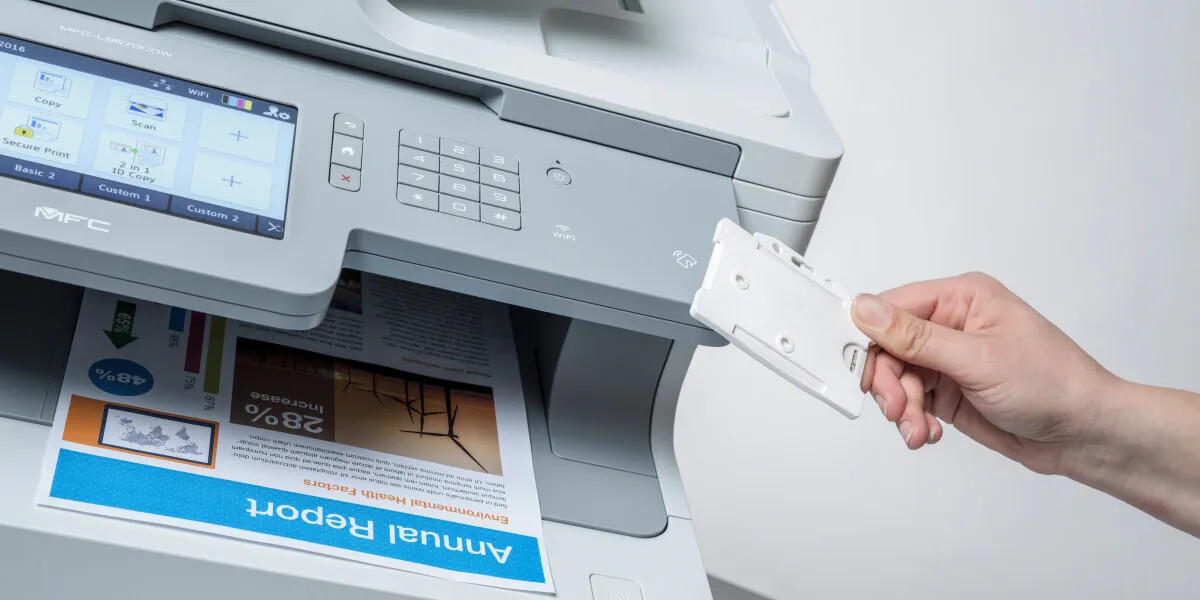
Secure printing with an NFC card - These identification cards with NFC (wireless technology enabling fast and secure communication at a distance of up to 4 cm) are a great solution not only because you must use them to authenticate yourself when accessing the printer interface and, if necessary, enter a PIN code, but also because this solution prevents printed documents from remaining in the printer longer than it takes someone to collect them, as they would otherwise be very easy prey for thieves. For each print job, you have to walk to the printer and present your NFC card, so you will surely wait for your printouts there and take them out right away.
Tip: You can also find PVC cards and card printers.
-
Beware of USB ports (Keyloggers) - Most desktop printers or multifunction devices have a USB connection, so yours most likely has one too. In this case, be very careful with the USB flash drives connected by your employees. If they leave them inserted into the port for a longer period, they may use a hardware keylogger (a small USB device primarily used for covertly monitoring activity or obtaining passwords) and use it to monitor your current printing activity.
-
Verify your service technicians - If you already have your trusted service technicians, it is better to use services only from those you can trust 100%. You could encounter fraudsters who might take your hard drive straight from the printer, and you definitely don't want that. However, it is also possible to protect against hard drive theft by encrypting it and granting access to the control panel only to specific users after they present the above-mentioned NFC card to the printer’s NFC reader.
2. Securing the printer against cyber attacks
Why would hackers want to steal data specifically from a printer? Precisely because many companies and people underestimate printer security, or do not know that they should care about it, it is often more attractive to them.

What can you do to ensure that cyber attacks do not affect you?
- Adequately secure your network - One of the most common mistakes. And yet all it takes is to ask the designated person or IT specialist to focus more on these printer security measures.
- Install antivirus software - If your printer or multifunction device has an internet connection and you are planning to print or are printing anything using direct printing from websites, then, similarly to a computer, you are at risk of an unwanted guest getting into your laser printer - malware, for example. We would therefore definitely recommend installing antivirus software on your printer in this case.
- Set up a print server - Do you use multiple printers in your office or company? The print server is equipped with protective features and can detect potential problems with your printers. If you configure the print server this way, it can even prevent the printing of sensitive documents after working hours or from remote sources.
3. Knowing the company security policy pays off
-
Train your employees thoroughly - This will ensure that your employees know the security procedures, so no suspicious activity on your printers will catch them off guard. They will know how to behave and how to proceed when dealing with any print security issue.
-
Carry out regular safety inspections - Even if you train your employees properly, you can never be sure that they will comply with all printer safety requirements. Therefore, it is better to check how they handle the printers. Of course, also focus on the IT department, if you have one, whether they perform regular updates and whether they also monitor other security threats.
4. Choosing printers with high-quality security
If you are getting a new printer, make sure that it also has proper security features (boot code integrity verification, firmware digital signature verification, and the use of modern protocols for encrypted network communication). Some printer manufacturers do not focus much on security features, while others focus on them in great detail.
Sára from CDRmarket