









- Automotive
- Sanding - Polishing
- One sided adhesive tapes
- Packing tapes
- Coloured - marking tapes
- Electrical tapes
- Office tapes, adhesive tapes
- Slick surface tapes
- Metal adhesive tapes
- Masking crepe tape
- Masking special tapes
- Surface protection tapes
- Foam - sealing tapes
- Anti-slip tapes
- Self-adhesive rubber cut-outs
- Special tapes
- Textile tapes
- Warning and reflective tapes
- Double-sided adhesive tapes
- Electrical insulation material
- Glues
- Materials for the production of technical labels
- Flexible stoppers, bumpers
- Velcro straps
- Primers - activators - cleaners
- Accessories for adhesives, applicators
 Monitors
 Laptops
 Desktop and gaming computers
- Accessories and Add-ons
- Backpacks and laptop bags
- Electronic gadgets
- Ergonomic accessories
- External drives
- Gamepads
- Gaming chairs
- Microphones
- Internal drives
- Cables
- Office chairs
- Keyboards
- Mice
- Power supplies
- Memory cards
- Mouse pads
- Projectors and accessories
- Mobile phone accessories
- Speakers
- Keyboard and mouse sets
- Headphones
- USB Flash discs
- Gaming steering wheels
- Scales
- Webcams
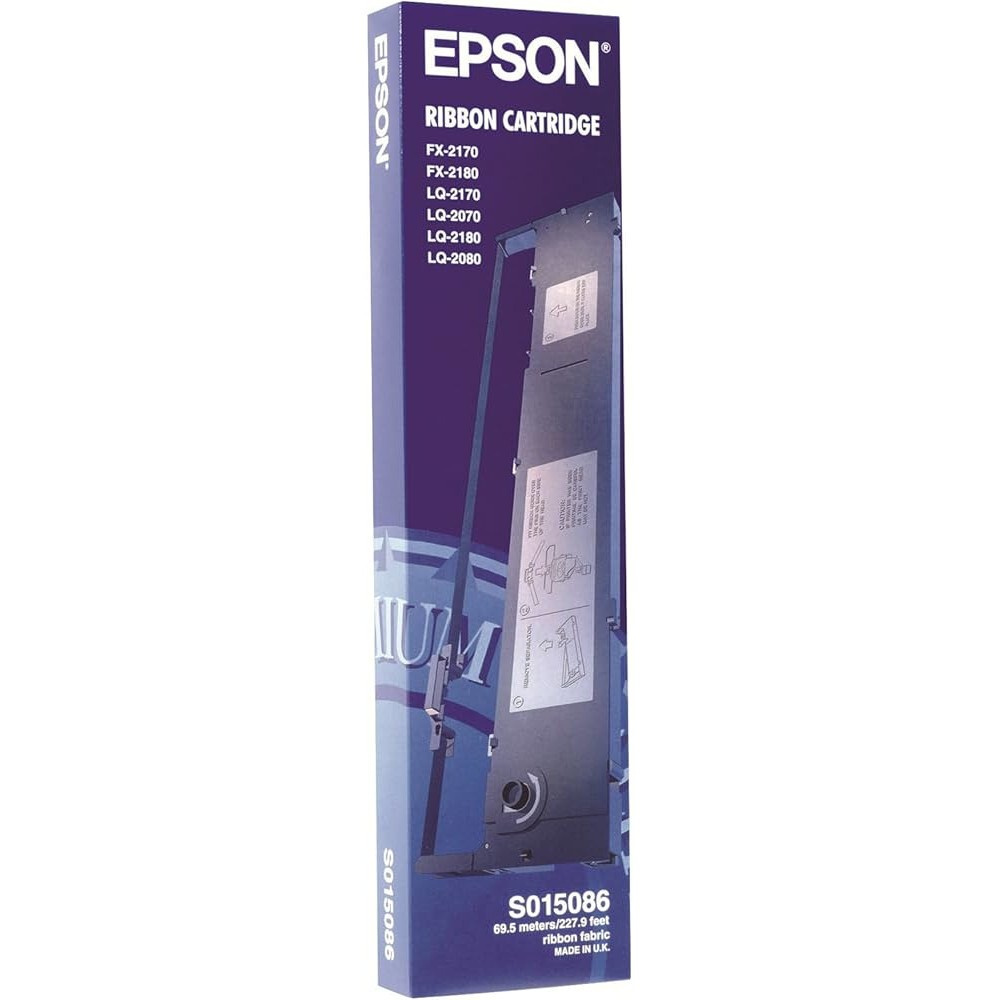
Epson C13S015086, black, original ribbon cartridge
Parameters
Product description
The original Epson C13S015086 ink ribbon is designed for reliable, long-lasting operation in selected Epson dot matrix printers. This cartridge delivers clean, legible prints essential for everyday office and warehouse operations. Thanks to its original Epson design, the ribbon fits the printhead perfectly and ensures an even transfer of ink to the paper throughout its service life.
Dot-matrix printing technology works on the principle of mechanical impact, in which tiny pins in the print head press an ink-soaked fabric ribbon against the surface of the paper. This printing method is ideal for creating carbonless forms, invoices, delivery notes, and other continuous forms. During operation, the belt advances automatically, making use of its entire length and preventing uneven wear. The original Epson ribbon is made from high-quality materials that withstand mechanical stress and ensure consistent print quality without the risk of clogging or damaging the print head.
- Genuine Epson ink ribbon for maximum compatibility
- Print color: Black
- High capacity: up to 8,000,000 characters
- Suitable for Epson FX and LQ dot matrix printers
- Fabric ink ribbon for long-lasting performance
This ribbon is specifically designed for Epson FX-2170, FX-2180, LQ-2070, LQ-2080, LQ-2170, LQ-2180, and LQ-2190 models. Before installation, it is advisable to check whether the cartridge is the correct type for your specific printer to ensure trouble-free operation. Replacing the tape is a simple process that can be done without special tools. Simply open the printhead cover, remove the old cartridge and insert the new one, following the guides. Once the cover is closed, the printer is ready to print again. By using genuine Epson cartridges, you protect your device from premature wear and ensure consistently high-quality printouts.


