









- Automotive
- Sanding - Polishing
- One sided adhesive tapes
- Packing tapes
- Coloured - marking tapes
- Electrical tapes
- Office tapes, adhesive tapes
- Slick surface tapes
- Metal adhesive tapes
- Masking crepe tape
- Masking special tapes
- Surface protection tapes
- Foam - sealing tapes
- Anti-slip tapes
- Self-adhesive rubber cut-outs
- Special tapes
- Textile tapes
- Warning and reflective tapes
- Double-sided adhesive tapes
- Electrical insulation material
- Glues
- Materials for the production of technical labels
- Flexible stoppers, bumpers
- Velcro straps
- Primers - activators - cleaners
- Accessories for adhesives, applicators
 Monitors
 Laptops
 Desktop and gaming computers
- Accessories and Add-ons
- Backpacks and laptop bags
- Electronic gadgets
- Ergonomic accessories
- External drives
- Gamepads
- Gaming chairs
- Microphones
- Internal drives
- Cables
- Office chairs
- Keyboards
- Mice
- Power supplies
- Memory cards
- Mouse pads
- Projectors and accessories
- Mobile phone accessories
- Speakers
- Keyboard and mouse sets
- Headphones
- USB Flash discs
- Gaming steering wheels
- Scales
- Webcams
Canon Pixma TS3150
Canon introduced 19. July 2017 a new model of multifunction printer designated Canon Pixma TS3150. Let's now take a look together at what this printer can offer you.
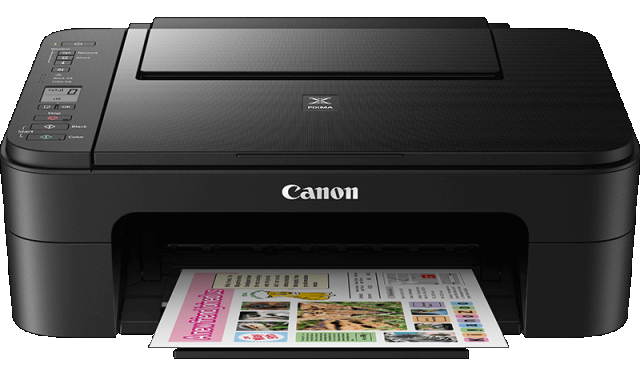
TS3150 Construction
The upper surface is scratch-resistant and easy to clean..The glossy surface with a grid pattern prevents unwanted smudges and fingerprints. The dimensions of this printer are W x H x D 435 × 316 × 145 mm
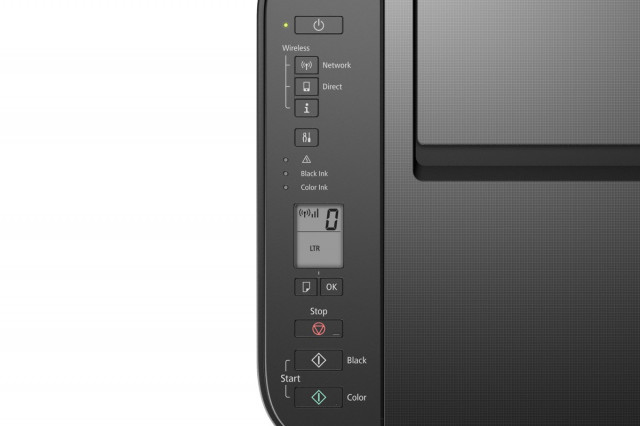
Specifications and new featuresThe TS3150 has a 3.8 cm LCD monochrome segment display and buttons for quick and easy wireless setup. The user can check the print and paper settings at a glance.
This printer is full of brand-new features. The paper detection sensor significantly speeds up work with the printer; thanks to this function, you no longer have to make lengthy selections of the format for each sheet of paper that is not A4 size. The rear feeder can hold up to 60 sheets of plain paper. Borderless photo printing in sizes 13 × 18 cm, 10 × 15 cm, and 13 × 13 cm.The feature that should become the main attraction for purchasing this printer is wireless Wi-Fi connectivity without the need to use a router.
| What can you print with the TS3150 printer? | Plain paper: A4, A5, B5, Letter, Legal Photo paper: 10 × 15 cm, 13 × 13 cm, 13 × 18 cm Envelopes: DL, COM10 |
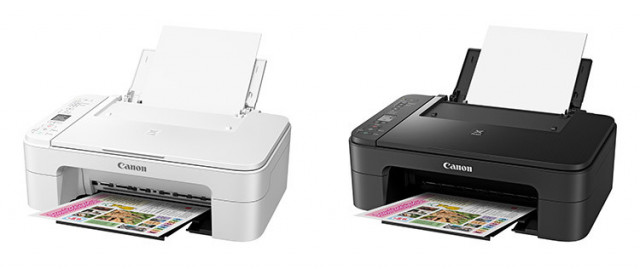
ApplicationsThe print resolution is up to 4,800 × 1,200 dpi.Black-and-white printing speed reaches 7.7 pages per minute, color printing reaches a speed of 4.0 pages per minute.The maximum weight of ordinary paper that the printer can print on is 105 g/m2, while for photo paper the maximum is 275 g/m2.
The Canon PRINT app eliminates the need to use a PC or Mac; your smartphone or tablet is more than enough.
The application allows easy printing of photos, documents, and printing from websites. You can also scan and copy through this application.PIXMA Cloud Link app with the Canon PRINT app, you can print and send documents and photos to social networks and save them, for example, to Google Drive.Whether it’s printing or scanning, PIXMA Cloud Link is ideal for those who make extensive use of photo printing and are very active Instagram users. With this app, you can print pictures directly from social networks. In addition, with the TS3150 printer you can print Instagram photos in the traditional square format, even borderless.
AirPrint is already a well-established application; you do not need to install any printer drivers and can simply print right away.
Message In Print is a new application that encodes an invisible message into your printed photographs. Just hold your iPhone over the photo and the animation, music, or video will play.
 |  | |
|
|
Big disappointment
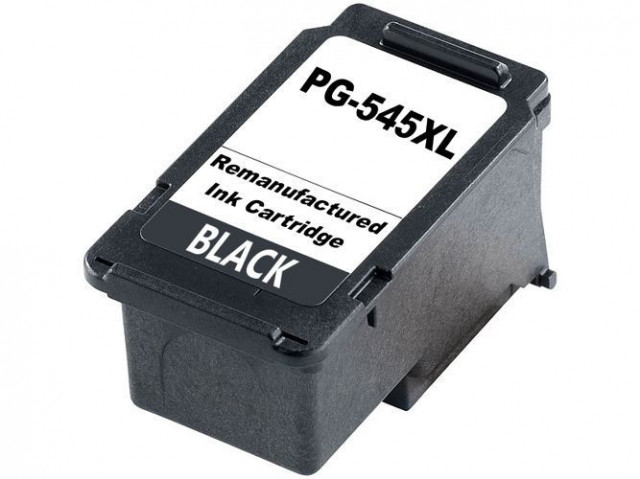
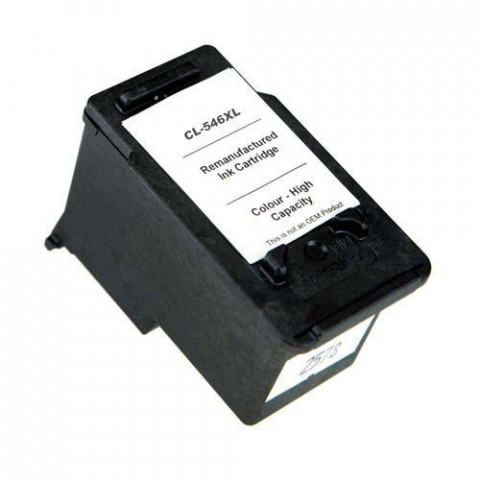
The only stumbling block with this printer is the cartridges; for more economical photo printing, individual color cartridges would be more suitable. Unfortunately, this printer only uses two cartridges. Black PG-545 and color (tricolor) CLI-546. Once one color in a tri-color cartridge runs out, you won’t be able to print until you replace the entire cartridge with a new one.
Summary
The printer is suitable for less frequent printing in all households. It serves every member of the family perfectly and thus easily becomes an indispensable part of the family equipment.