









- Automotive
- Sanding - Polishing
- One sided adhesive tapes
- Packing tapes
- Coloured - marking tapes
- Electrical tapes
- Office tapes, adhesive tapes
- Slick surface tapes
- Metal adhesive tapes
- Masking crepe tape
- Masking special tapes
- Surface protection tapes
- Foam - sealing tapes
- Anti-slip tapes
- Self-adhesive rubber cut-outs
- Special tapes
- Textile tapes
- Warning and reflective tapes
- Double-sided adhesive tapes
- Electrical insulation material
- Glues
- Materials for the production of technical labels
- Flexible stoppers, bumpers
- Velcro straps
- Primers - activators - cleaners
- Accessories for adhesives, applicators
 Monitors
 Laptops
 Desktop and gaming computers
- Accessories
- Backpacks and laptop bags
- Electronic gadgets
- Ergonomic accessories
- External drives
- Gamepads
- Gaming tables
- Gaming chairs
- Microphones
- Internal drives
- Cables
- Office chairs
- Keyboards
- Mice
- Power supplies
- Memory cards
- Mouse pads
- Projectors and accessories
- Mobile phone accessories
- Speakers
- Keyboard and mouse sets
- Headphones
- USB Flash discs
- Gaming steering wheels
- Scales
- Webcams
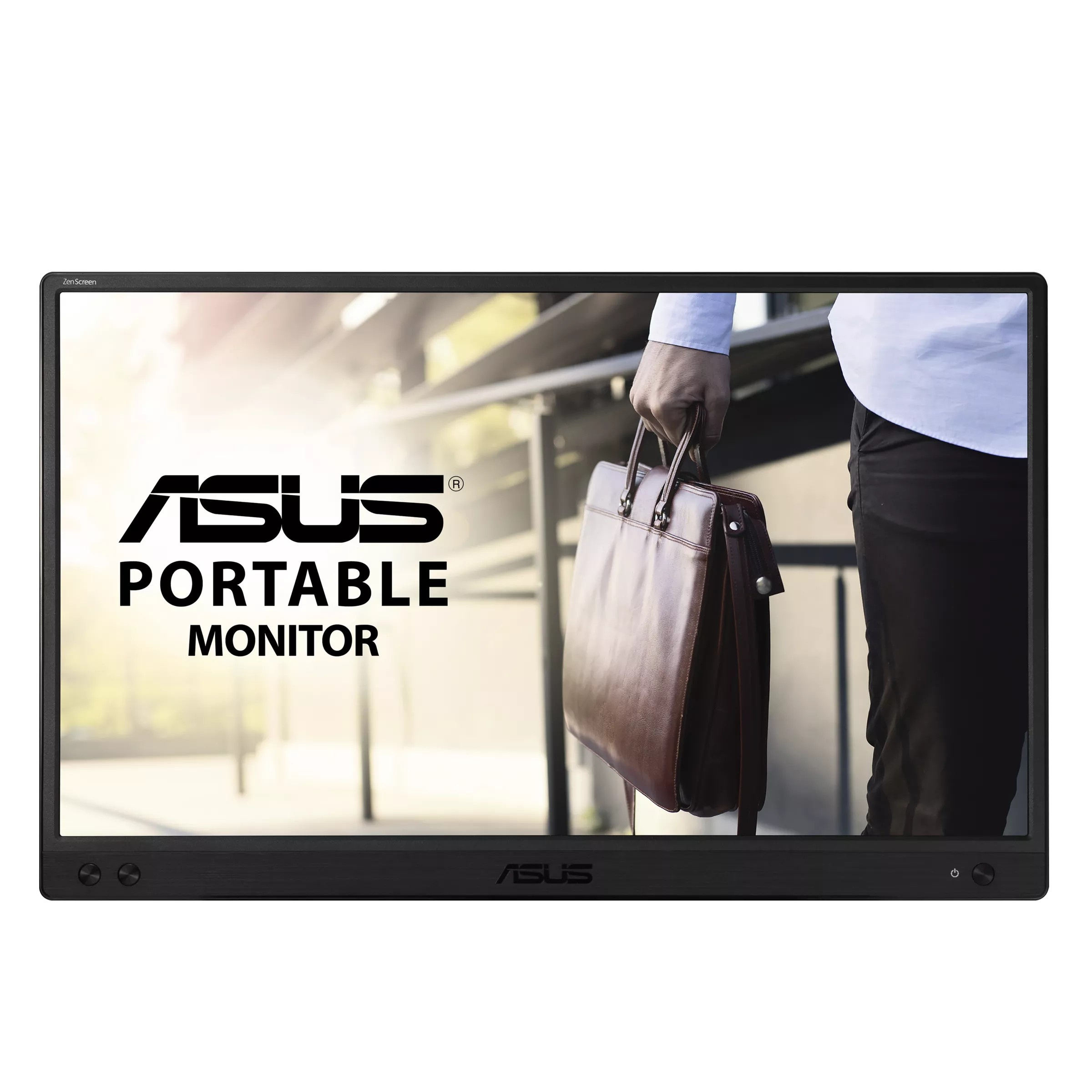
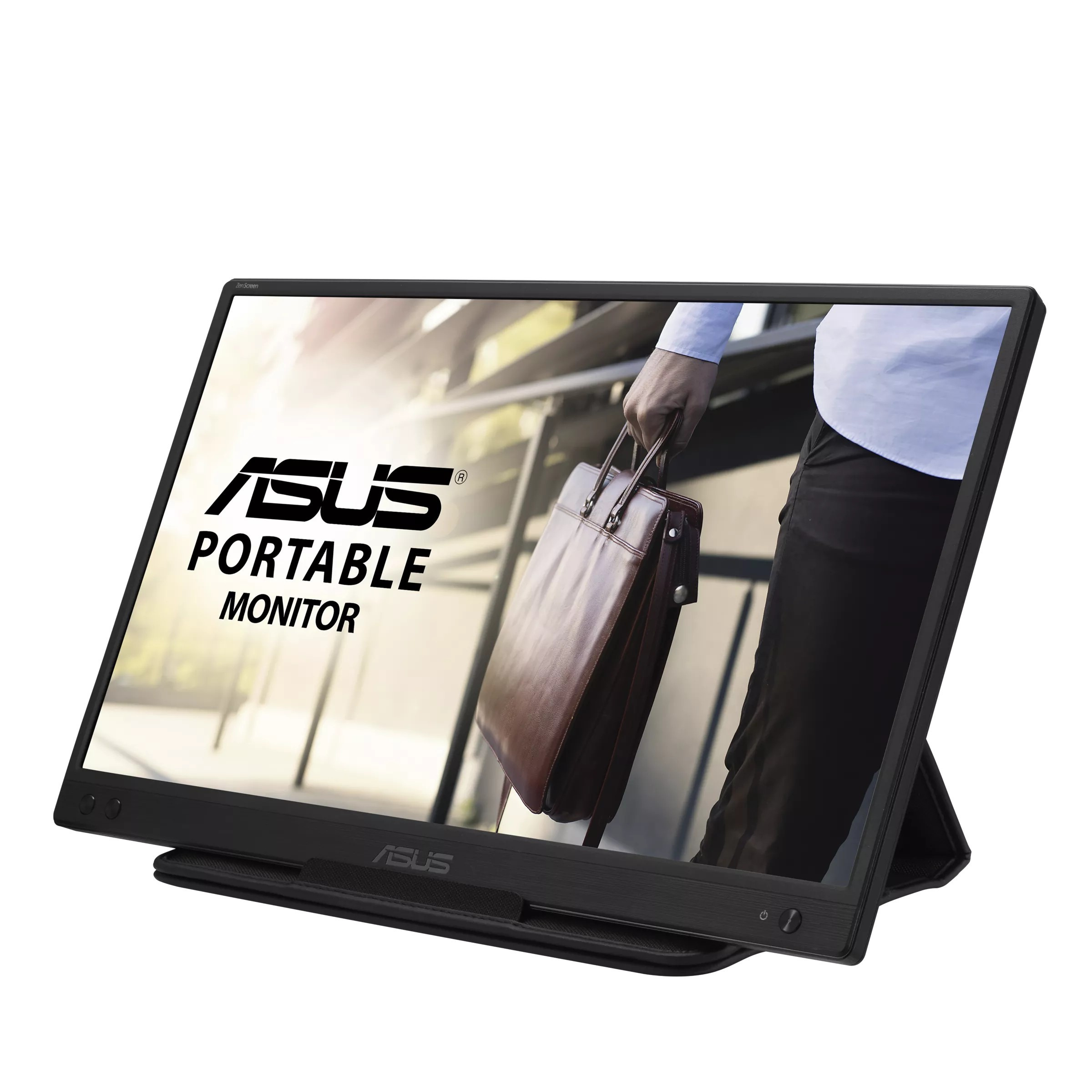
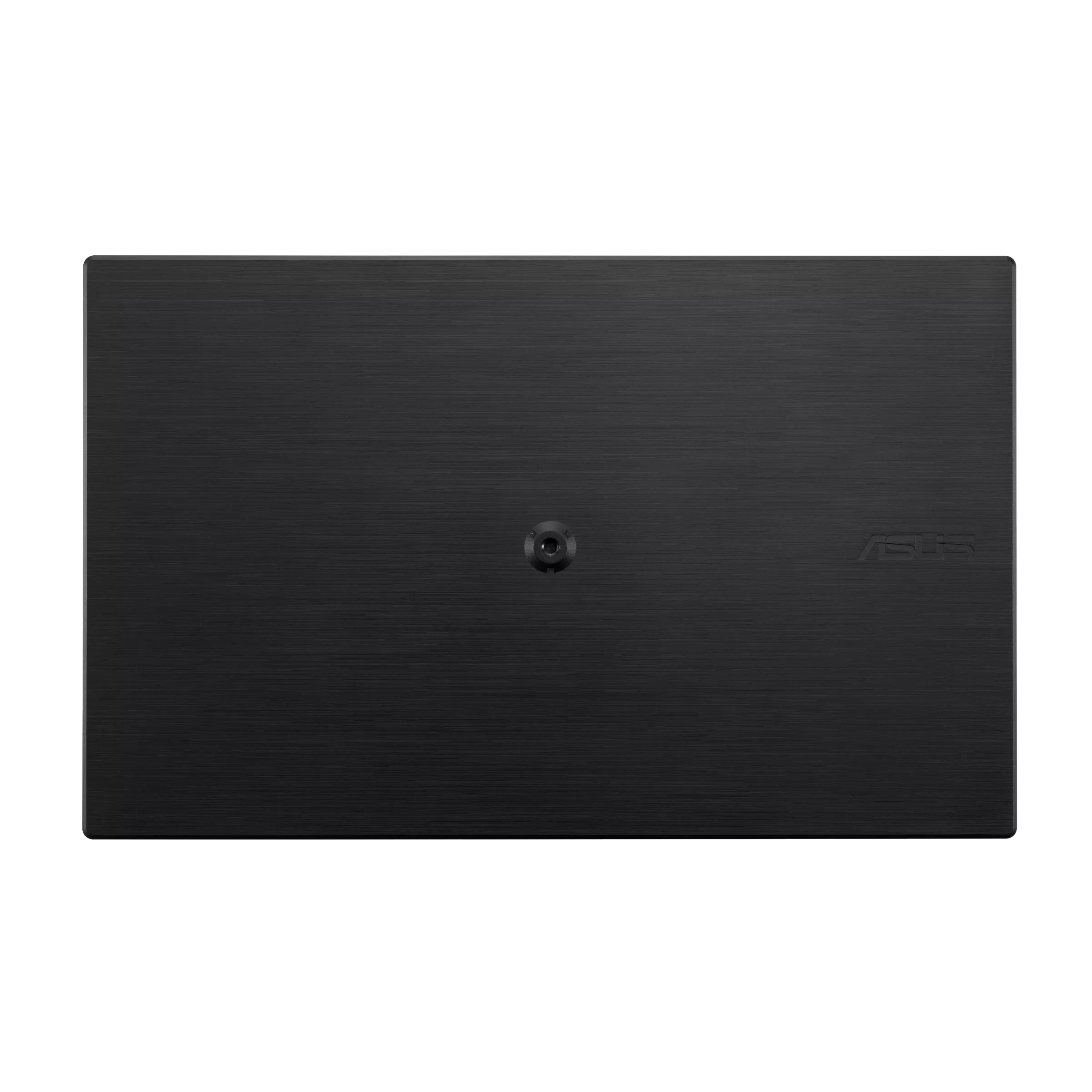
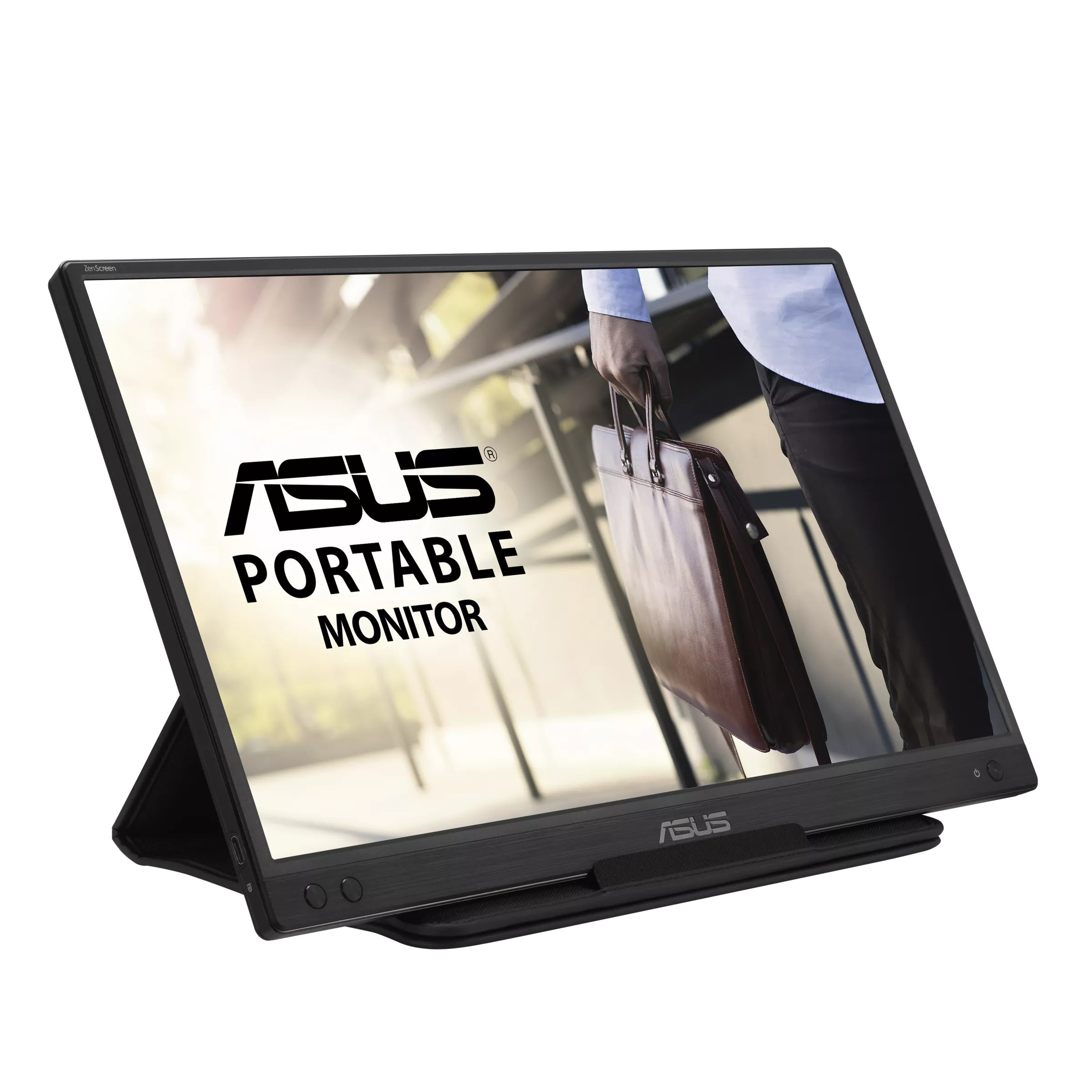
ASUS ZenScreen MB166C 90LM07D3-B01170 Monitor, 15.6", IPS, FHD, 60Hz, 5ms, Black, 3R
Parameters
Product description
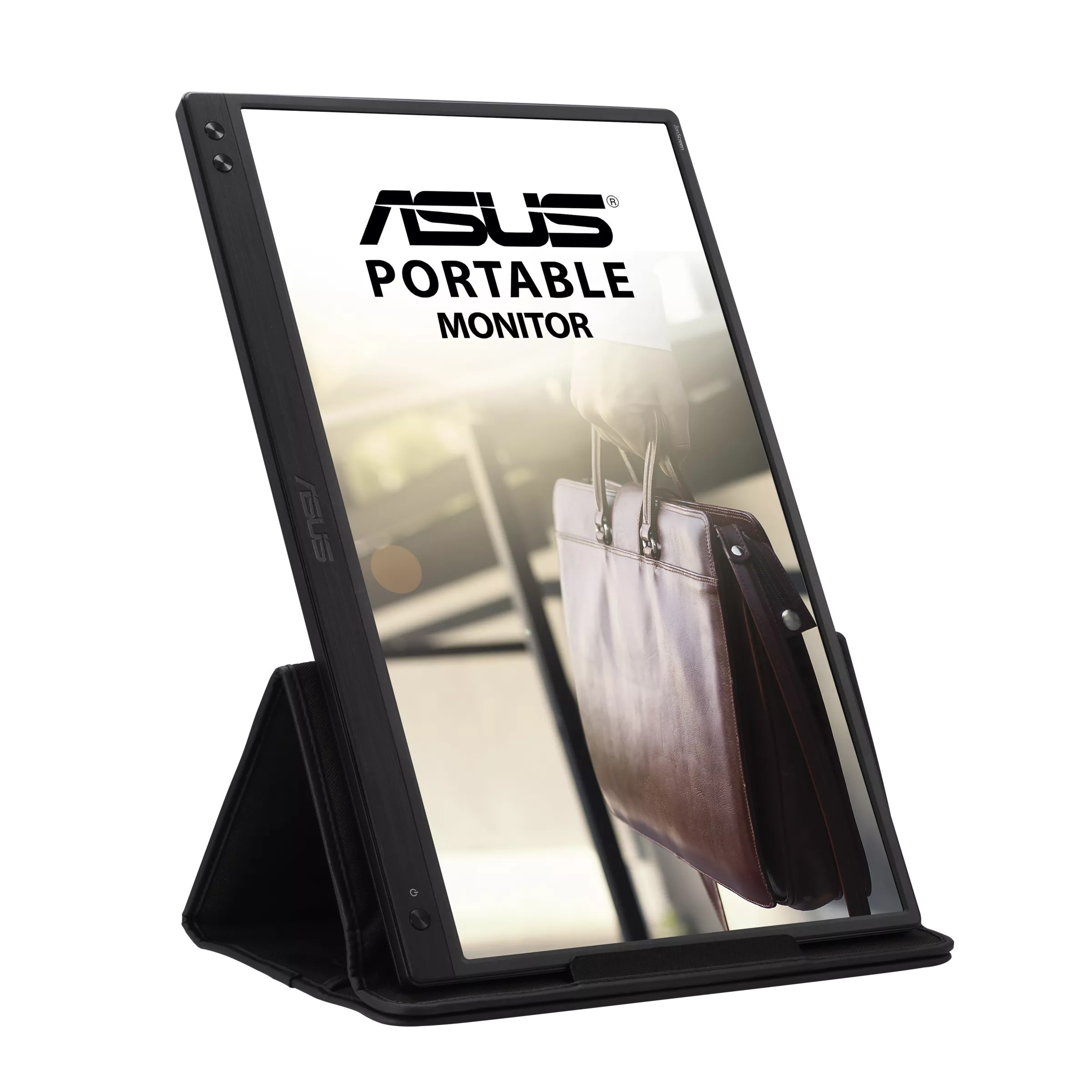
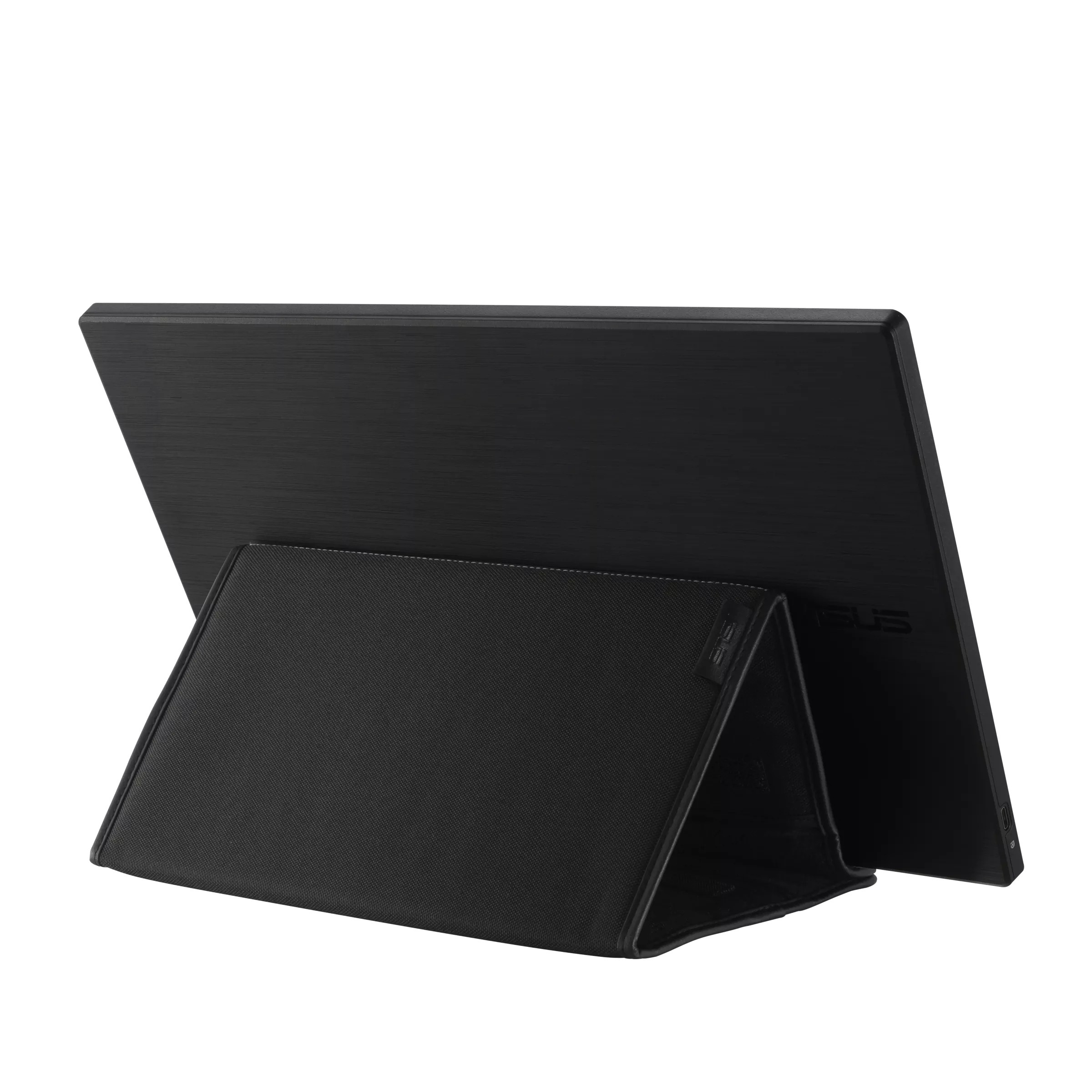
ASUS ZenScreen MB166C is an ideal companion for professionals, students, and creatives who need a flexible work environment. This portable monitor with a 15.6-inch diagonal allows you to expand your workspace anytime and anywhere, whether you work in the office, on the go, or at home. Thanks to its lightweight design weighing only 0.78 kg and compact dimensions (360.14 x 225.64 x 11.8 mm), it easily fits into any bag and is ready for immediate use without the need for more complicated installation.
The screen uses modern IPS technology, which ensures vivid and accurate colors along with wide 178-degree viewing angles in all directions. This means that the image quality remains consistent regardless of the angle from which you view the display. Full HD resolution (1920 x 1080) in a 16:9 aspect ratio provides a sharp and detailed image, ideal for working with documents, presentations, coding, or watching multimedia. A 60 Hz refresh rate and a fast 5 ms response time ensure smooth operation even during dynamic tasks.
A very important feature is easier connectivity. The monitor is equipped with a single USB-C connector, which serves both for data transfer and power delivery. This means that a single cable is enough to connect to a laptop, tablet, or smartphone, eliminating the need to carry additional adapters or power supplies. The display surface is treated with an anti-glare coating that reduces eye strain when working in brightly lit spaces. ASUS Eye Care technology, including a blue light filter and Flicker Free function, further contributes to comfort and eye protection during extended use.
- Portable design weighing only 0.78 kg
- 15.6-inch diagonal with Full HD resolution (1920 x 1080)
- IPS panel with 178/178-degree viewing angles
- Easy connection via a single USB-C connector
- Anti-glare surface and eye protection technology
- Brightness of 250 cd/m2 and contrast ratio of 800:1
- Pivot support for switching to vertical mode
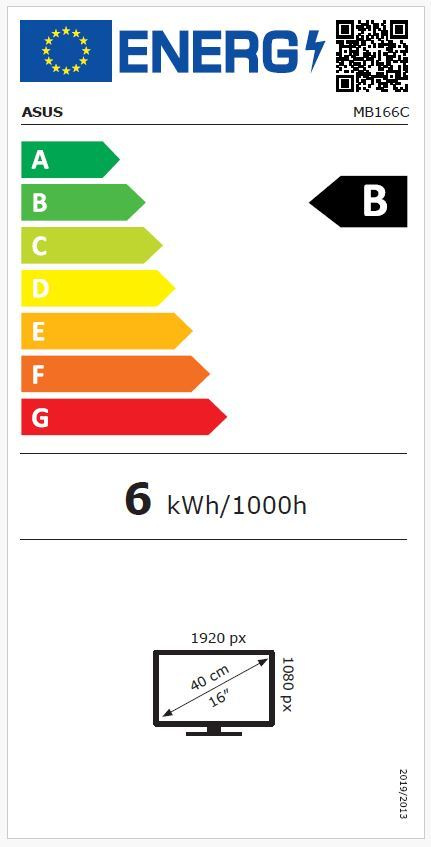
- Black finish and energy class B
The device comes with a three-year warranty, ensuring long-term reliability and quality.
Without built-in speakers or a webcam, the monitor focuses purely on delivering high-quality visuals, which is exactly what you need for efficient work on the go.