









- Automotive
- Sanding - Polishing
- One sided adhesive tapes
- Packing tapes
- Coloured - marking tapes
- Electrical tapes
- Office tapes, adhesive tapes
- Slick surface tapes
- Metal adhesive tapes
- Masking crepe tape
- Masking special tapes
- Surface protection tapes
- Foam - sealing tapes
- Anti-slip tapes
- Self-adhesive rubber cut-outs
- Special tapes
- Textile tapes
- Warning and reflective tapes
- Double-sided adhesive tapes
- Electrical insulation material
- Glues
- Materials for the production of technical labels
- Flexible stoppers, bumpers
- Velcro straps
- Primers - activators - cleaners
- Accessories for adhesives, applicators
 Monitors
 Laptops
 Desktop and gaming computers
- Accessories and Add-ons
- Backpacks and laptop bags
- Electronic gadgets
- Ergonomic accessories
- External drives
- Gamepads
- Gaming tables
- Gaming chairs
- Microphones
- Internal drives
- Cables
- Office chairs
- Keyboards
- Mice
- Power supplies
- Memory cards
- Mouse pads
- Projectors and accessories
- Mobile phone accessories
- Speakers
- Keyboard and mouse sets
- Headphones
- USB Flash discs
- Gaming steering wheels
- Scales
- Webcams
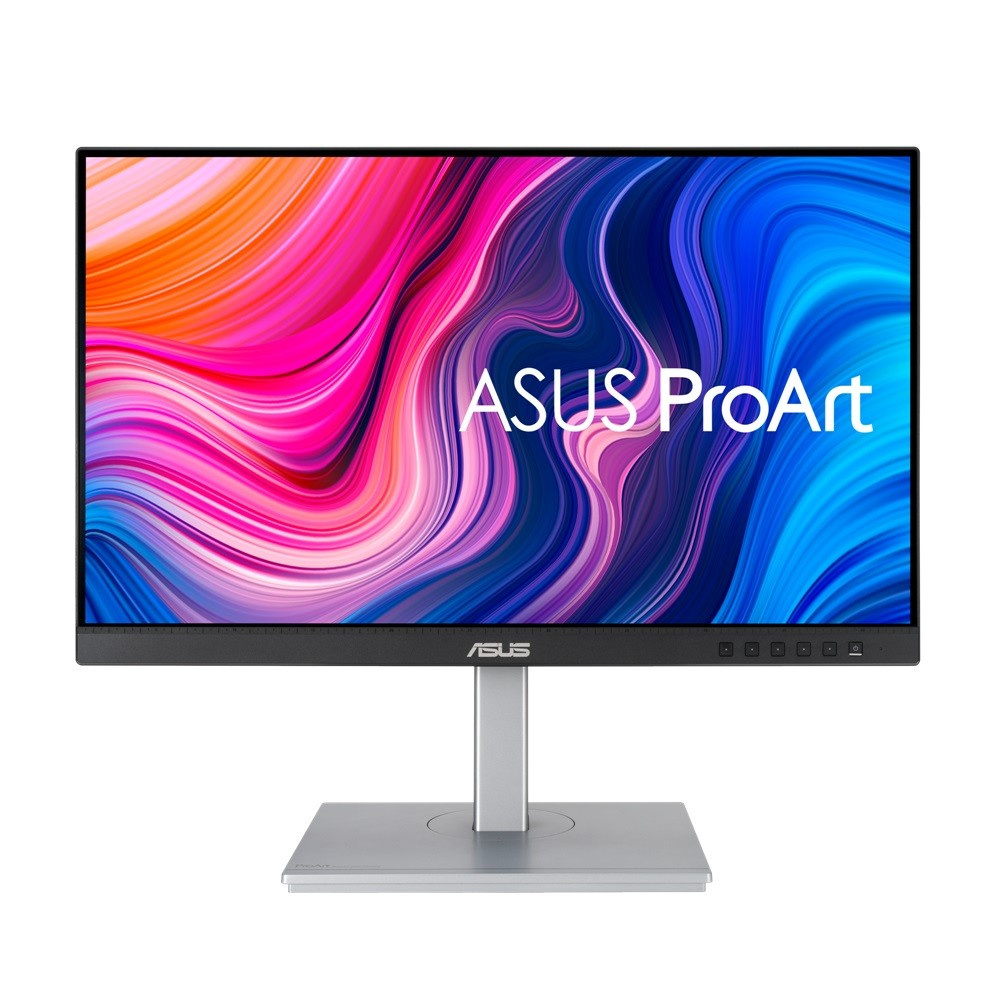
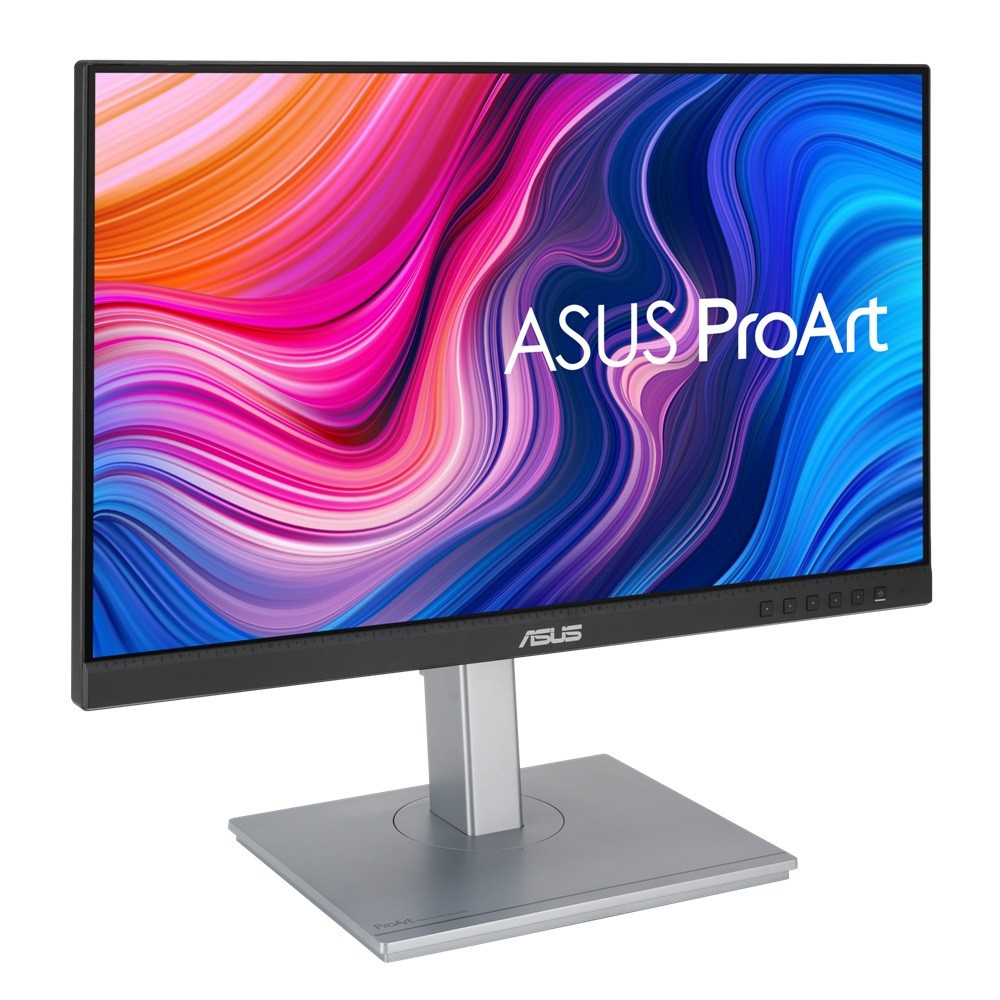
ASUS ProArt PA247CV 90LM03Y1-B02370 Monitor, 23.8", IPS, FHD, 75Hz, 5ms, Silver, 3R
Parameters
Product description
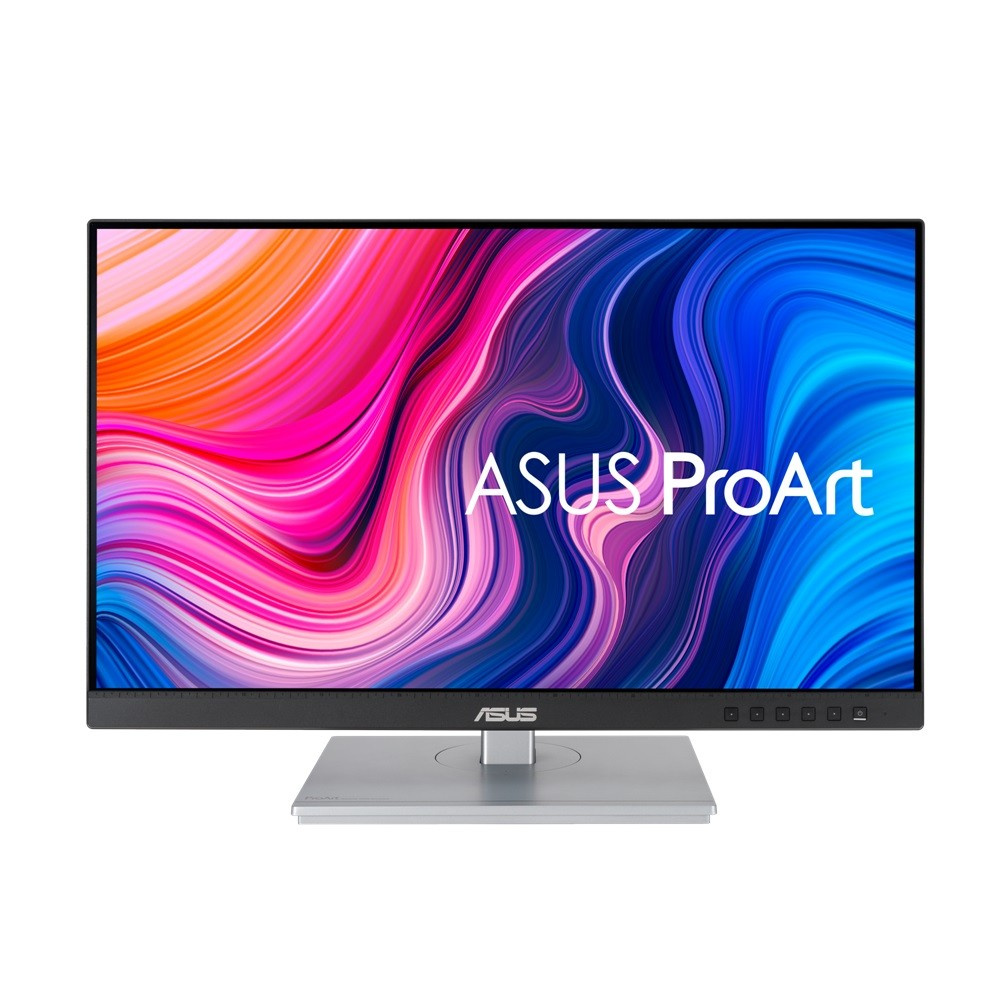
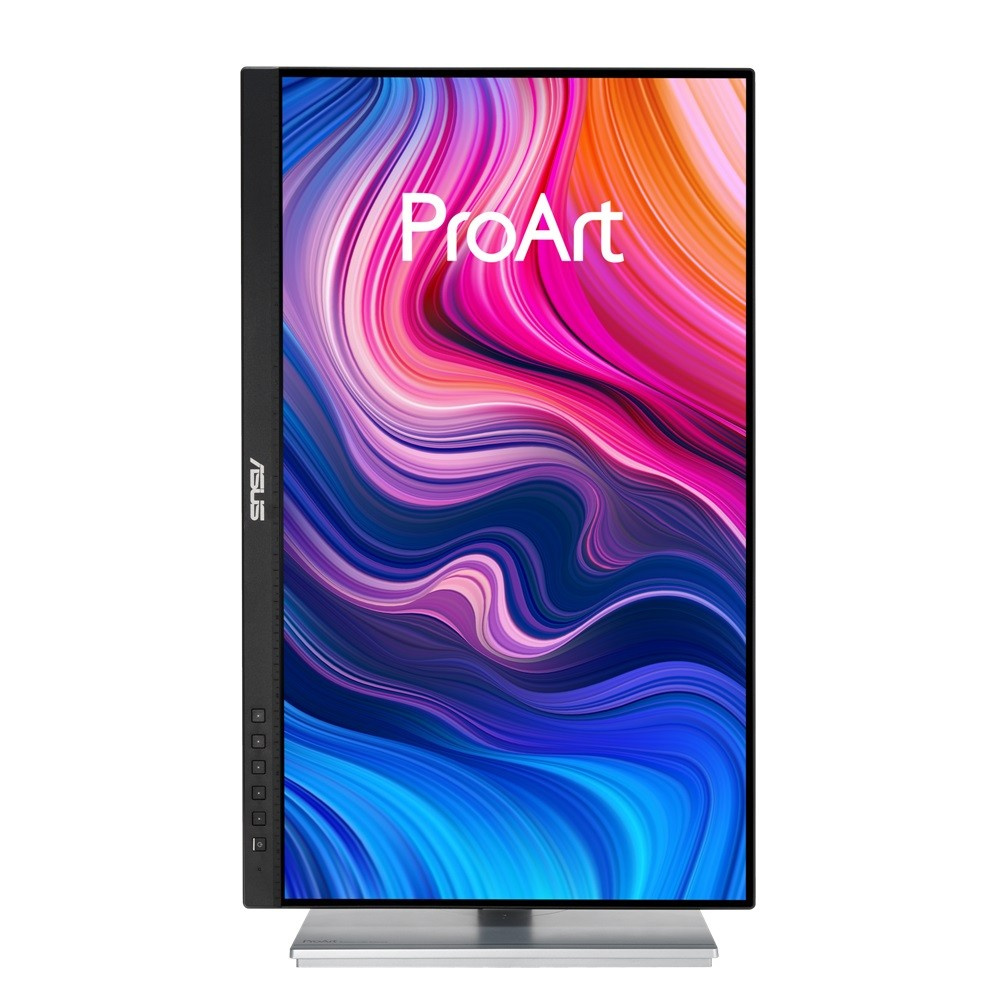
ASUS ProArt PA247CV is a professional monitor designed to provide creative professionals, graphic designers, and photographers with a reliable tool for everyday work. Thanks to its precise construction and top-tier technical specifications, this 23.8-inch display becomes an ideal companion for those who require high color accuracy and long-term comfort while working. The monitor offers a widescreen 16:9 format with Full HD resolution (1920 x 1080), ensuring sharp and detailed content display without compromise. IPS (In-Plane Switching) technology guarantees consistent colors and excellent 178-degree viewing angles both horizontally and vertically, so the image remains true and vivid regardless of the angle from which you view the display.
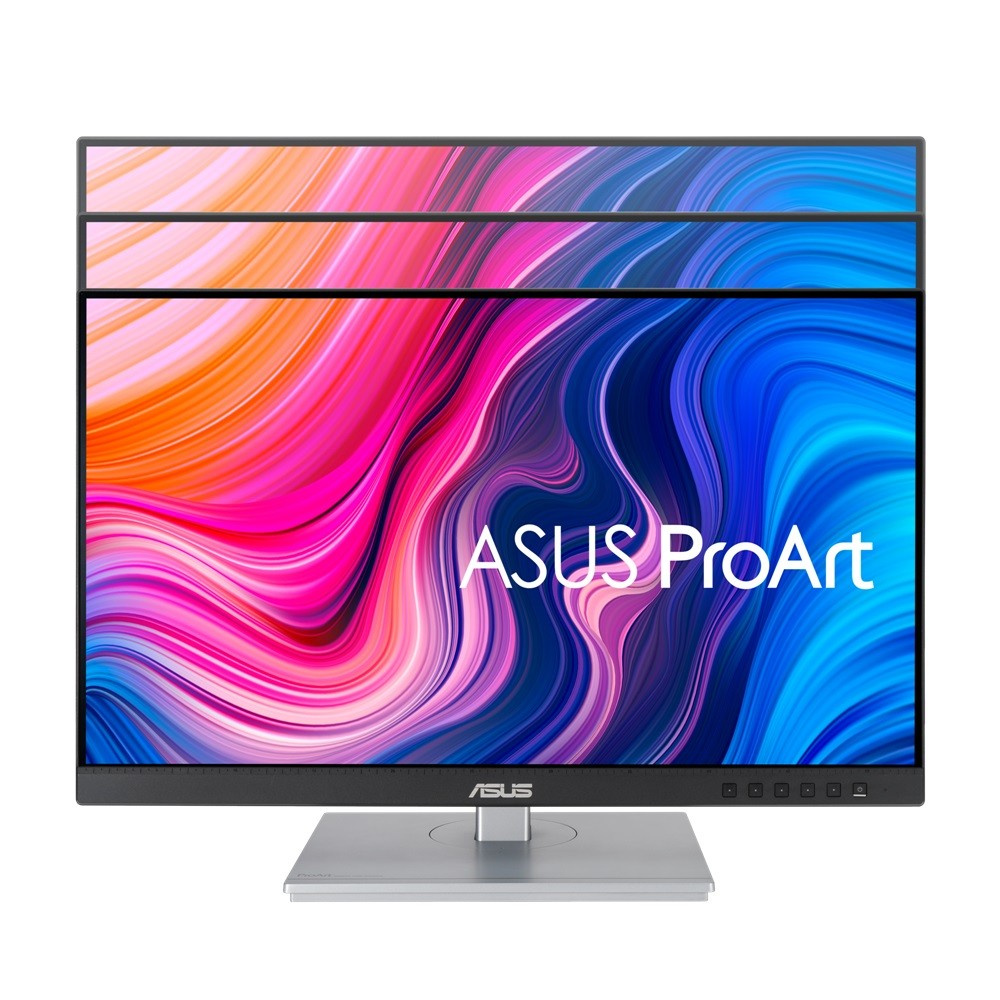
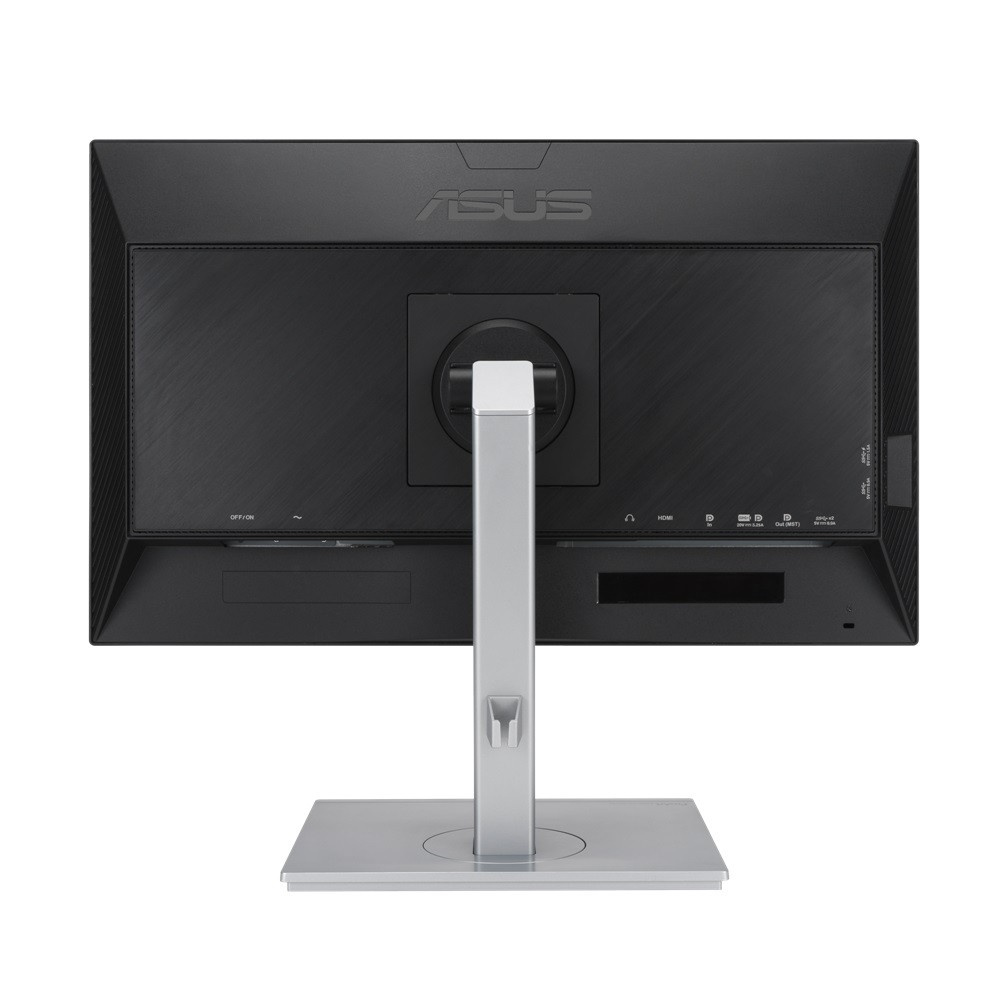
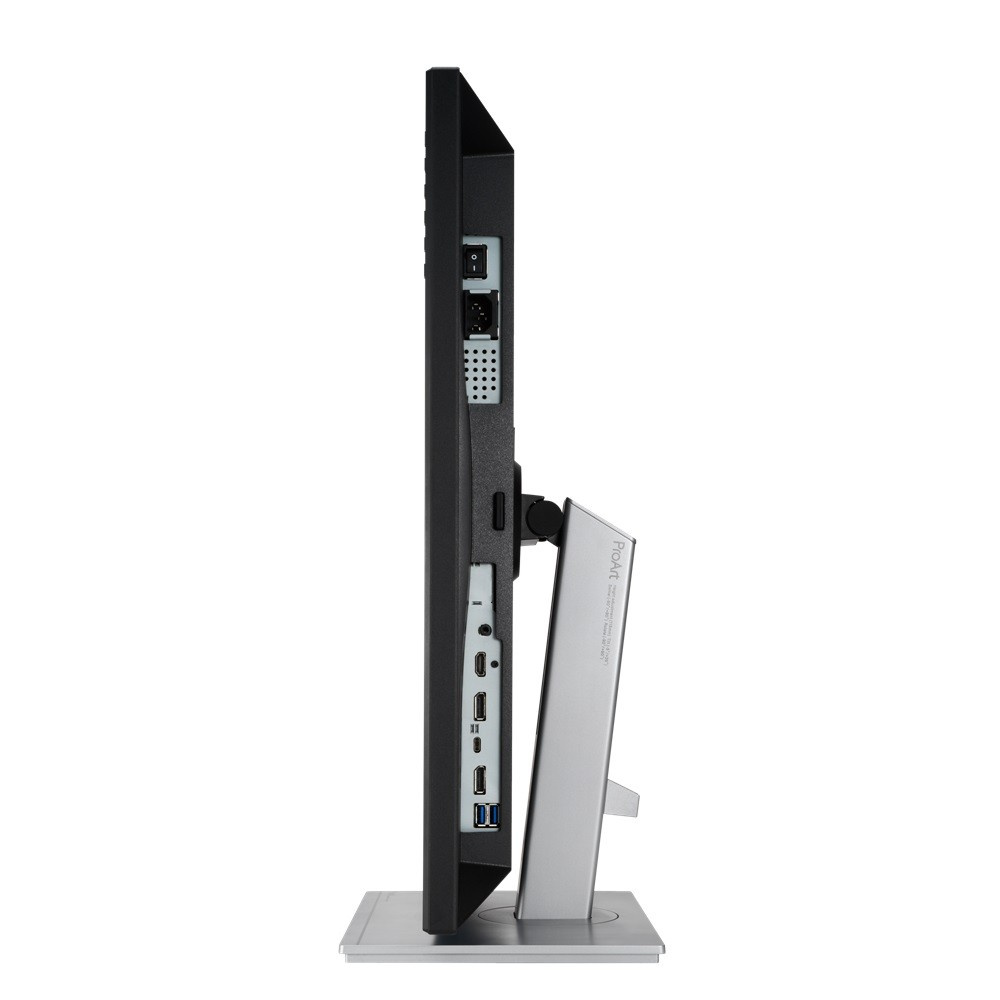
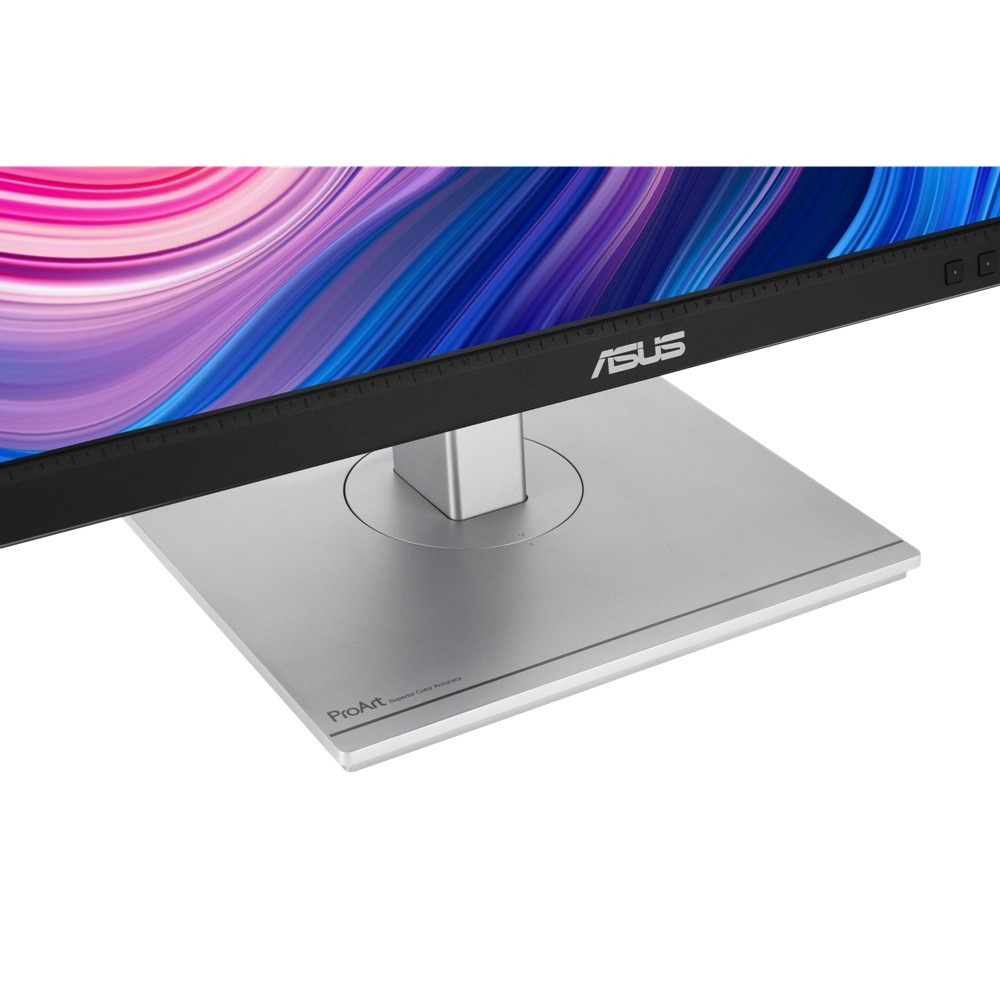
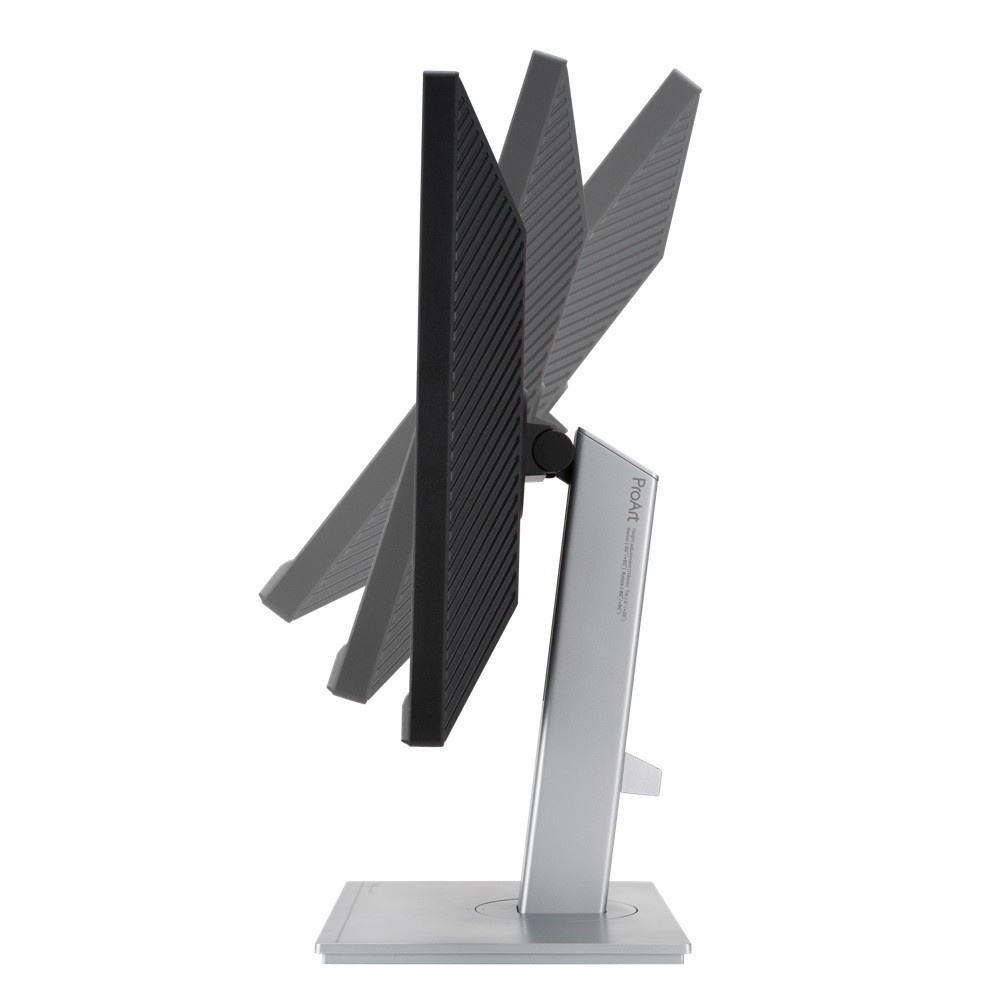
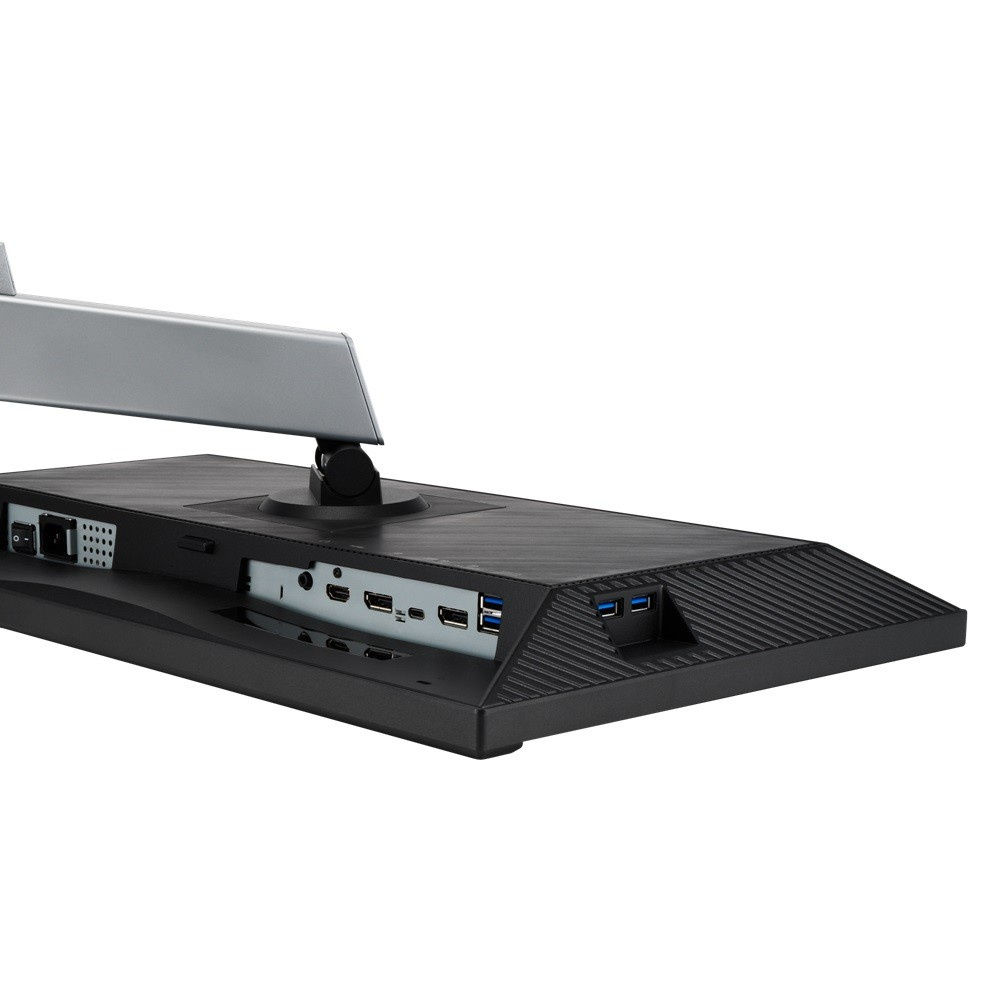
The key advantage of this model is its ergonomic adjustability and modern connectors, which facilitate integration into any work environment. The stand allows smooth height adjustment, rotation to landscape and portrait orientation (Pivot function), and tilting, which helps prevent neck and back fatigue during longer work sessions. The presence of a USB-C port with 65W Power Delivery support allows you to power laptops and transfer data with a single cable, simplifying cable management on the desk. The monitor also offers two DisplayPort 1 ports.2 with Daisy Chain function, one HDMI 1.4 and a built-in USB hub with four USB 3 ports.1, making it a universal central point for connecting various peripherals and signal sources.
- Display diagonal: 23.8 inches with a resolution of 1920 x 1080 (Full HD)
- Panel type: IPS with 300 cd/m2 brightness and a static contrast ratio of 1000:1
- 75 Hz refresh rate and fast 5 ms response time for smooth visuals
- Support for the VESA 100 x 100 mm standard for flexible wall mounting
- Ergonomic stand with height adjustment, tilt, and swivel (Pivot) functions
- Rich connectivity: USB-C (65W PD), 2x DisplayPort, HDMI, USB hub
- Integrated speakers with a total output of 4 W (2 x 2 W)
- Support for Eye Care technology to protect your eyes during prolonged use
- Power consumption of only 18 W and TCO certification for environmental sustainability
The ASUS ProArt PA247CV monitor is also equipped with vision protection features such as Eye Care technology, which reduces eye strain by limiting blue light and preventing screen flicker.
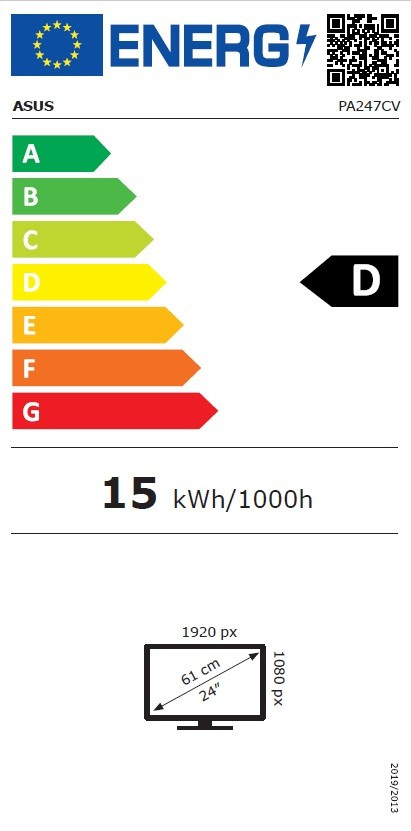
With a weight of 4.2 kg and dimensions of 539.7 x 329.9 x 52.8 mm, this is a robust yet elegant device in a silver finish that blends harmoniously into a professional working environment. Thanks to TCO certification and energy class D, the monitor meets strict environmental standards, making it an ideal choice for companies committed to sustainability. The additional 3-year warranty ensures long-term satisfaction and worry-free use of this professional tool.