









Printers
Label makers and label printers
Adhesives
- Automotive
- Sanding - Polishing
- One sided adhesive tapes
- Packing tapes
- Coloured - marking tapes
- Electrical tapes
- Office tapes, adhesive tapes
- Slick surface tapes
- Metal adhesive tapes
- Masking crepe tape
- Masking special tapes
- Surface protection tapes
- Foam - sealing tapes
- Anti-slip tapes
- Self-adhesive rubber cut-outs
- Special tapes
- Textile tapes
- Warning and reflective tapes
- Double-sided adhesive tapes
- Electrical insulation material
- Glues
- Materials for the production of technical labels
- Flexible stoppers, bumpers
- Velcro straps
- Primers - activators - cleaners
- Accessories for adhesives, applicators
Computers and accessories
 Monitors
 Laptops
 Desktop and gaming computers
- Accessories
- Backpacks and laptop bags
- Electronic gadgets
- Ergonomic accessories
- External drives
- Gamepads
- Gaming tables
- Gaming chairs
- Microphones
- Internal drives
- Cables
- Office chairs
- Keyboards
- Mice
- Power supplies
- Memory cards
- Mouse pads
- Projectors and accessories
- Mobile phone accessories
- Speakers
- Keyboard and mouse sets
- Headphones
- USB Flash discs
- Gaming steering wheels
- Scales
- Webcams
back to list
ASUS DC301 Triple Display USB-C Dock Duo
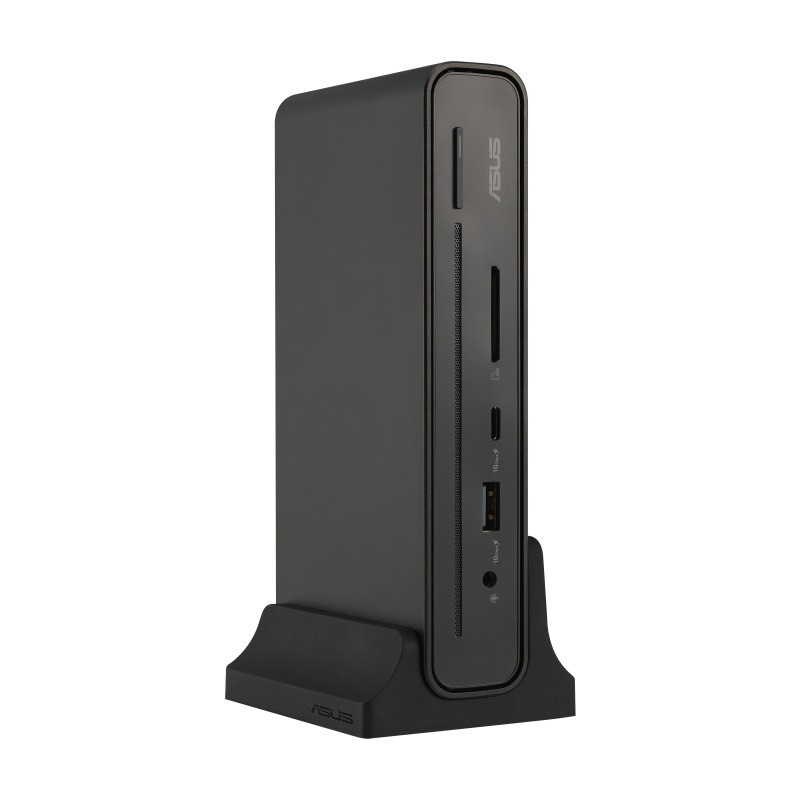
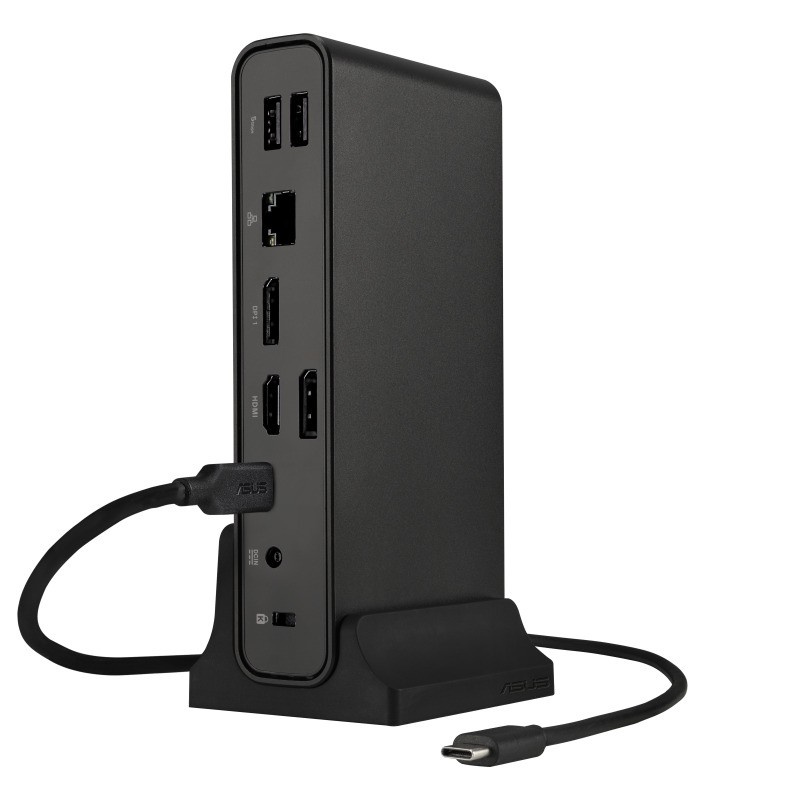
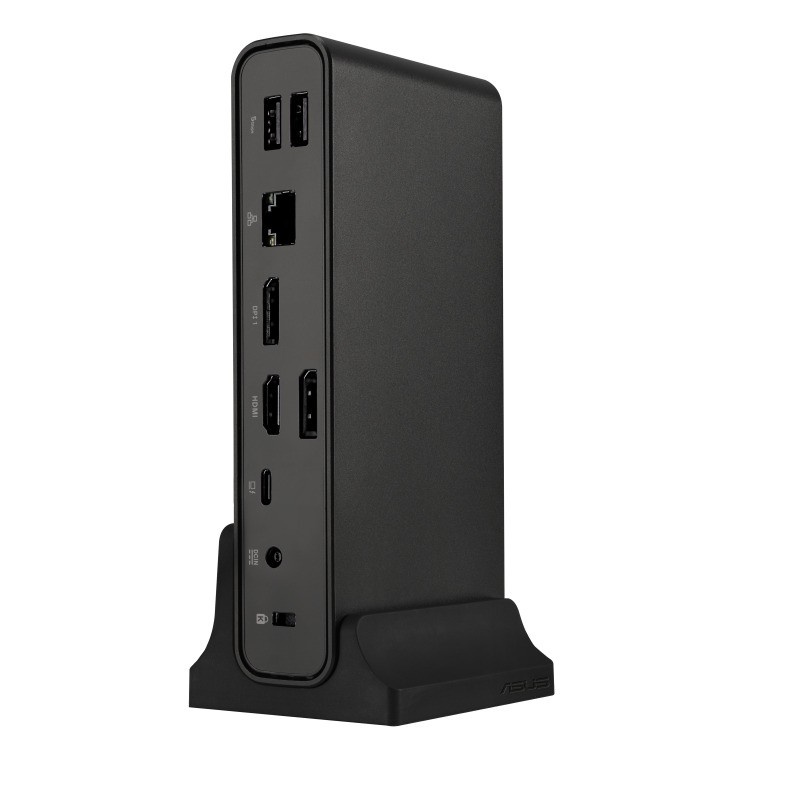
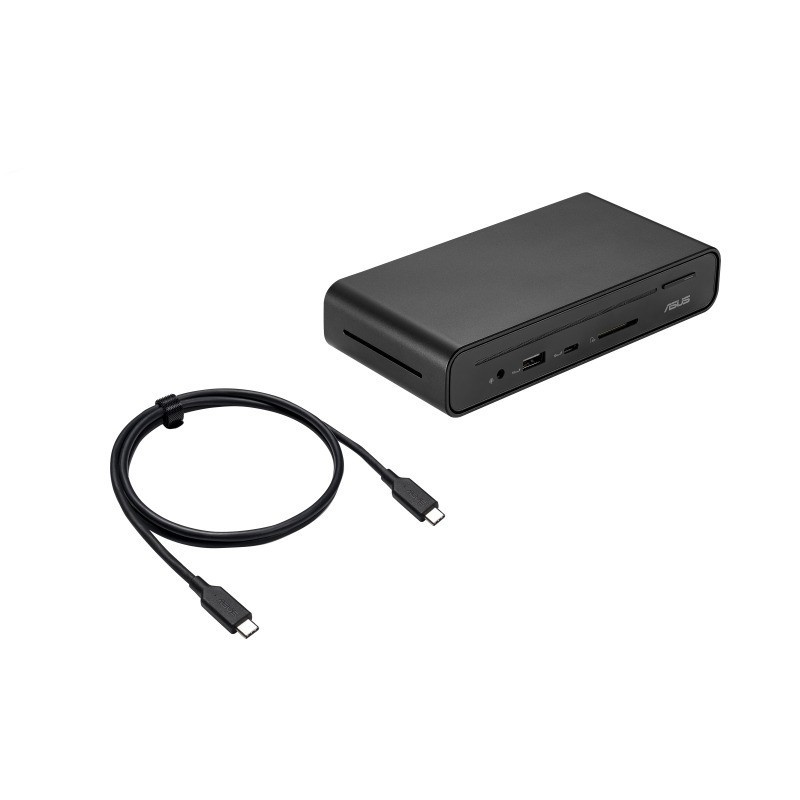
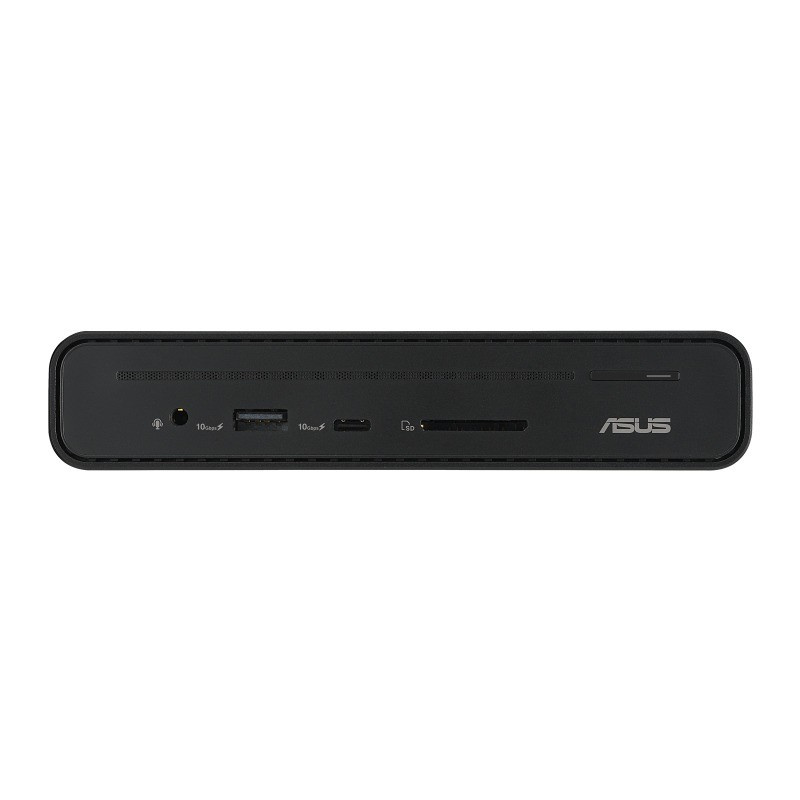
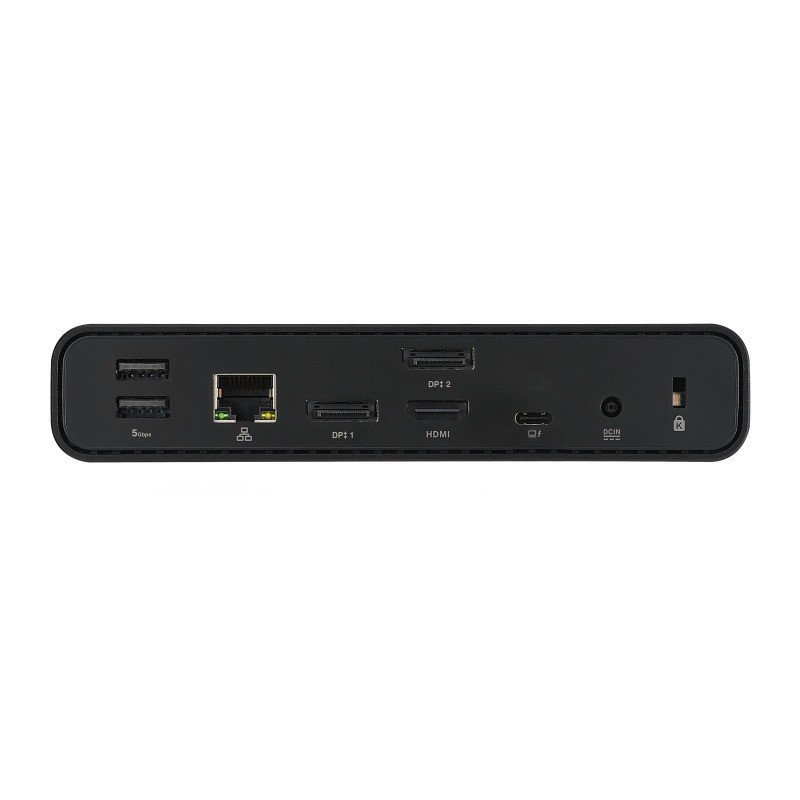
Images are for illustration purposes only.
Parameters
Primary purpose:
for selected ASUS products
3.5 mm jack (headphones/mic):
Yes
Minimum required interface:
USB-C with video/power
Thunderbolt video:
No
Max. number of ext. monitors:
3
Dimensions (W x H x D mm):
160 × 32 × 80
Power supply output (W):
150
Card reader:
Yes
Weight (g):
514
DisplayPort (F):
2
HDMI Standard A (F):
1
RJ-45 (F):
1
USB Type A (F):
3
USB Type-C (F):
2
USB Type-C (M):
1
Product description
ASUS Triple Display USB-C Dock Duo DC301 - The Magic of Compact ProductivityThe ASUS Triple Display USB-C Dock Duo DC301 is an elegant and compact device that streamlines connectivity to your laptop. Power your laptop through a single cable, connect to the network and peripherals, and multitask with up to four monitors – including the laptop display and three external monitors. In addition, it features an integrated SD card reader for a wide variety of business scenarios. Simply put, thanks to the ASUS Triple Display USB-C Dock Duo DC301 docking station, your desk will be clean, tidy, and organized, while also allowing you to get ready for work in no time.
Connectors:
*RJ-45 (Gigabit): 1×
*USB 3.2 Gen1 Type-A (5 Gb/s): 2×
*USB 3.2 Gen2 Type-A (10 Gb/s, 5.0 V / 2.4 A): 1×
*USB 3.2 Gen2 Type-C (10 Gb/s, 5.0 V / 3.0 A): 1×
*USB 3.2 Gen2 Type-C (DP 1.4 only)4): 1×
*HDMI 2.0: 1×
*DisplayPort 1.4: 2×
*Combined 3.5mm audio jack: 1×
*SD card reader: 1×
*Kensington lock: 1×
*Power button with LED indicator: 1×
*DC connector (4.5 mm): 1×
Video resolution:
*HDMI (single external output): 3840 × 2160 @ 60 Hz
*DisplayPort (single external output): 3840 × 2160 @ 60 Hz
OS support:
*Windows 10 or later
*Mac OS 13 or later
Power adapter:
*150 W (DC 20.0 V / 7.5 A)
Security:
*Kensington lock
Cable length:
*100 cm
Color:
*Black
Weight:
*Dock: 514 g ± 5 g
*Stand: 95 g ± 5 g
Dimensions:
*160 × 80 × 32 mm
Material:
*Plastic, metal
Package contents:
*ASUS Triple Display USB-C Dock Duo
*1 m USB-C cable
*Docking stand
*150 W adapter
*Power cable
*User manual
*Warranty card
Power button:
*For the ExpertBook B series: one-touch control – wake the laptop with multiple monitors from sleep mode
*For other Windows laptops (ASUS and others): turn the LED on/off and activate/deactivate the display signal on the DC300
Recently viewed products

