









Printers
Label makers and label printers
Adhesives
- One sided adhesive tapes
- Packing tapes
- Coloured - marking tapes
- Electrical tapes
- Office tapes, adhesive tapes
- Slick surface tapes
- Metal adhesive tapes
- Masking crepe tape
- Masking special tapes
- Surface protection tapes
- Foam - sealing tapes
- Anti-slip tapes
- Self-adhesive rubber cut-outs
- Special tapes
- Textile tapes
- Warning and reflective tapes
- Double-sided adhesive tapes
- Electrical insulation material
- Glues
- Flexible stoppers, bumpers
- Velcro straps
- Primers - activators - cleaners
- Accessories for adhesives, applicators
back to list
Powerton ERGO MINIMAL Podstavec pod monitor, stříbrný
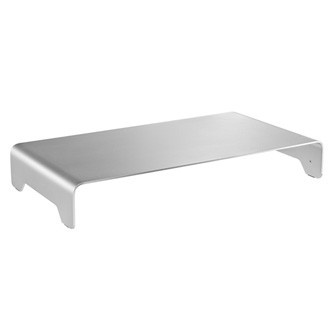
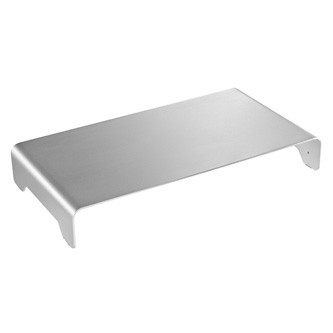
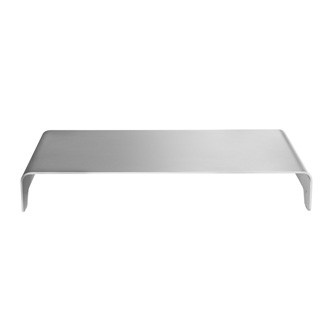
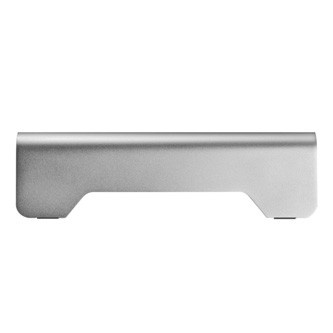
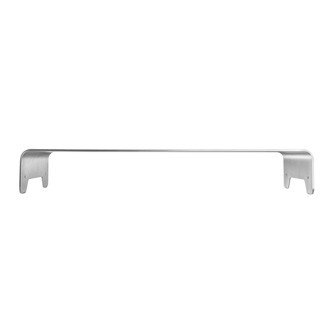
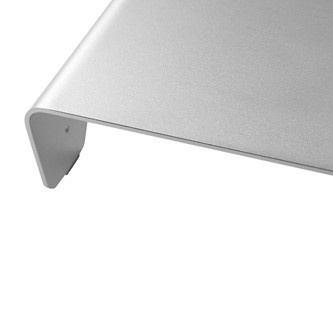
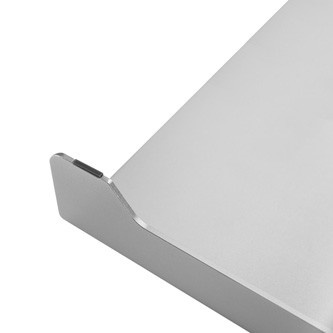
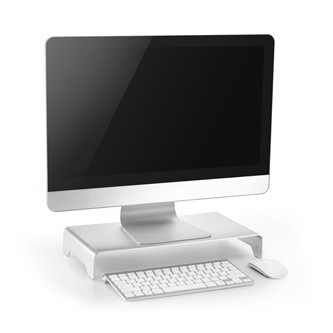
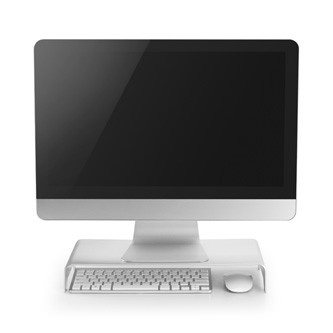
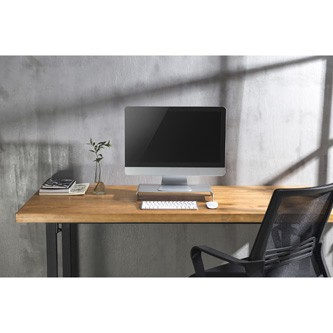
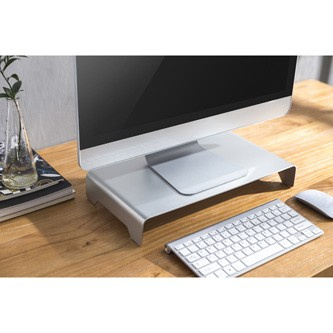
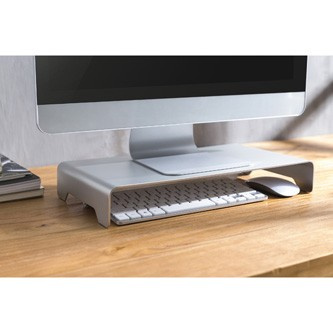
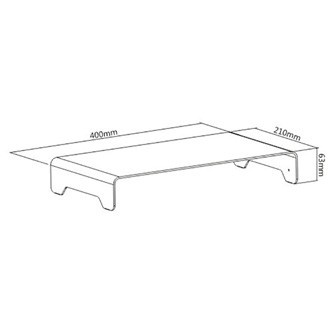
Images are for illustration purposes only.
Parameters
Výška:
42.0 cm
Šířka:
23.5 cm
Hloubka:
7.2 cm
Product description
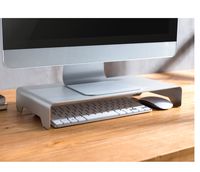
Powerton ERGO Monitor / Laptop StandEliminate headaches, eye strain, and neck pain by ensuring the correct placement of your PC or laptop monitor. The monitor should be placed approximately 45 - 70 cm from the eyes. The top edge of the screen should be at eye level. The field of view, or the angle between two extreme observed points in the vertical plane, is recommended to be in the range of 0 - 60°. Elevating your monitor/laptop with a stand offers a comfortable reading position that helps reduce eye and neck strain. The minimalist design perfectly fits into any room and elevates your workspace to a luxurious workplace.
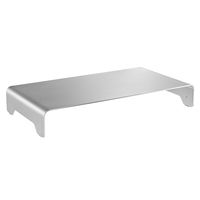

Sleek Design
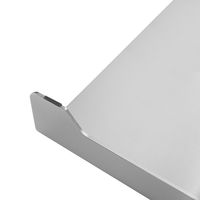
This stand features a sleek design and ultra-thin construction that perfectly complements the minimalist style of modern laptops and monitors. A clean and stylish look complements the interior of any home or office without disrupting it.
Ultra-thin design
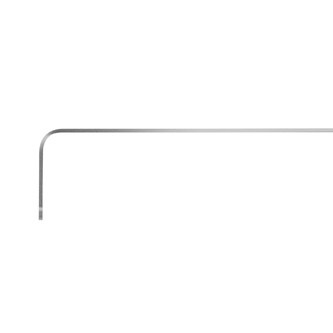
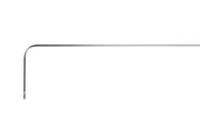
The ultra-thin design is only 3 mm thick, yet it securely holds your monitor or laptop. The load capacity of the stand is 10 kg.
Storage space
A small space under the stand with a height of 6.3 cm is ideal for storing a TKL keyboard (keyboard without a numeric part) and a mouse, maximizing the workspace when the laptop/PC is not in use.
Non-slip pads
Non-slip pads on the legs ensure perfect stability of the stand. Thanks to them, it is also guaranteed that the base will not scratch or scuff the surface of the table.Specifications
Suitable for: monitors, laptops
Suitable screen size: 11"~32"
Material: aluminum
Color: silver
Dimensions: 400 x 210 x 63 mm
Surface thickness: 3 mm
Load capacity: 10 kg
ERGONOMIC OFFICE EQUIPMENT
Do you spend hours working at the computer?Think about your health and maintain proper ergonomics, which alleviates back pain, neck pain, headaches, compressed stomach, compression of thigh muscles and veins, and circulation disorders. Thanks to ergonomic equipment, you won't even notice that you're sitting "all day" at the computer.
Recently viewed products
