









- One sided adhesive tapes
- Packing tapes
- Coloured - marking tapes
- Electrical tapes
- Office tapes, adhesive tapes
- Slick surface tapes
- Metal adhesive tapes
- Masking crepe tape
- Masking special tapes
- Surface protection tapes
- Foam - sealing tapes
- Anti-slip tapes
- Self-adhesive rubber cut-outs
- Special tapes
- Textile tapes
- Warning and reflective tapes
- Double-sided adhesive tapes
- Electrical insulation material
- Glues
- Flexible stoppers, bumpers
- Velcro straps
- Primers - activators - cleaners
- Accessories for adhesives, applicators
How to prevent the print head from drying out?
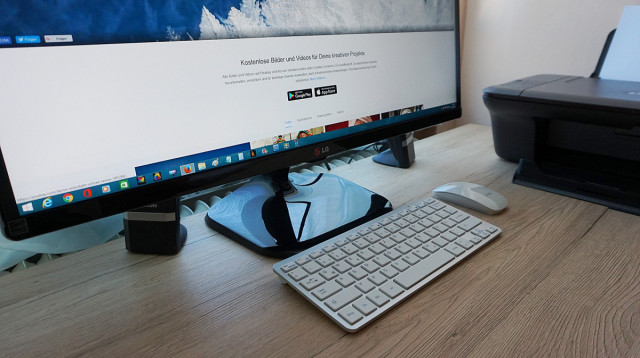
If you do not print regularly on your printer every day, it may happen that the print head dries out. If this has already happened to you, read our article below, where we address this issue. In this article, we will advise you on how to prevent the print head from drying out.
How and when to clean the print head?
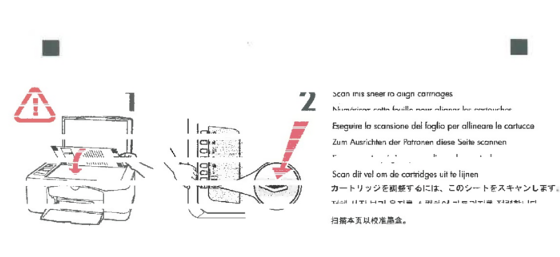
Do you feel that your printer is not printing like it used to? Is the print faint or is one of the colors missing? Are blurry prints or incorrect colors bothering you? Or perhaps the printer doesn’t print at all?The answer to this problem is a dried-out print head.
Prevention when you print infrequently
If you do not print every day, it is recommended to turn on the printer at least once every 14 days and print one test page. The test page will "run through" the entire print head, use all the colors, and thus ensure that all the nozzles have been "cleared out". If the ink runs out in a printer with a fixed print head, replace it with a new one. Never leave the cartridge dock empty; in this case, the printhead will inevitably dry out very soon.
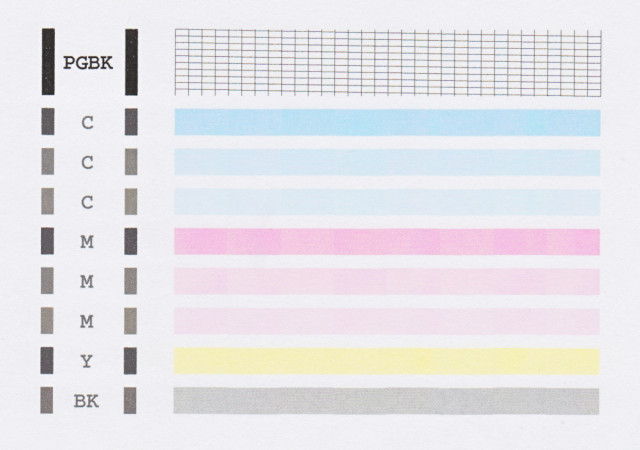 |
| Example of a printer test page |
Hidden threats
You might not even think of it, but have you ever considered that even where you place your inkjet printer can affect it?
Be sure to choose a place for the printer where it is not exposed to direct sunlight. A good place for the printer is not in the immediate vicinity of a heater or near a light source that emits heat, nor in rooms with a temperature higher than 30°C.